Connect your data
What connected data can add
You can run useful tests and personalizations using Webflow’s built-in tracking, goals, and audience signals.
Integrations become useful when you want Optimize to work with data your team already uses elsewhere. Depending on what you connect, that can help you:
Send data out ↗
Send Optimize activity to analytics tools for deeper reporting.
Bring data in ↵
Use customer, account, and conversion data for targeting, personalization, and goals.
Enrich visitor data ✧
Add company-level context to help identify and understand otherwise anonymous visitors.
The goal isn’t to connect everything. It’s to connect the tools that support the way your team measures, targets, and learns.
Enterprise plan required. These integrations, enrichment features, and connected data sources are available on Enterprise plans. What you can use depends on your connected tools. Refer to the Help Center for current availability and setup instructions.
Send Optimize data to analytics tools
Analytics integrations let you send Optimize activity into reporting tools your team already uses.
For example, you can connect Google Analytics 4 (GA4) to send variation-view events into GA4.
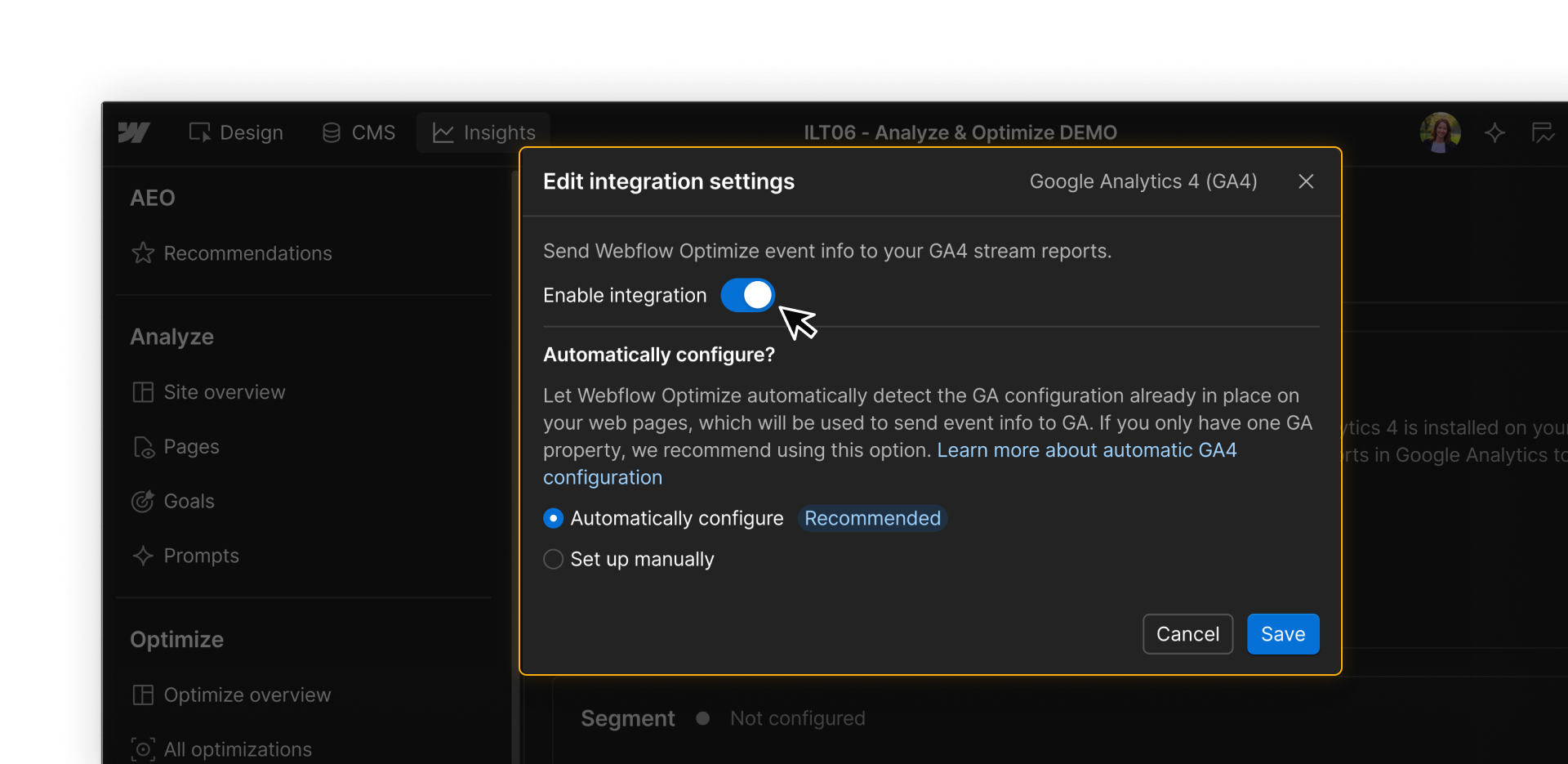
This lets you review optimization activity alongside your broader site analytics.
Bring CRM and marketing data into Optimize
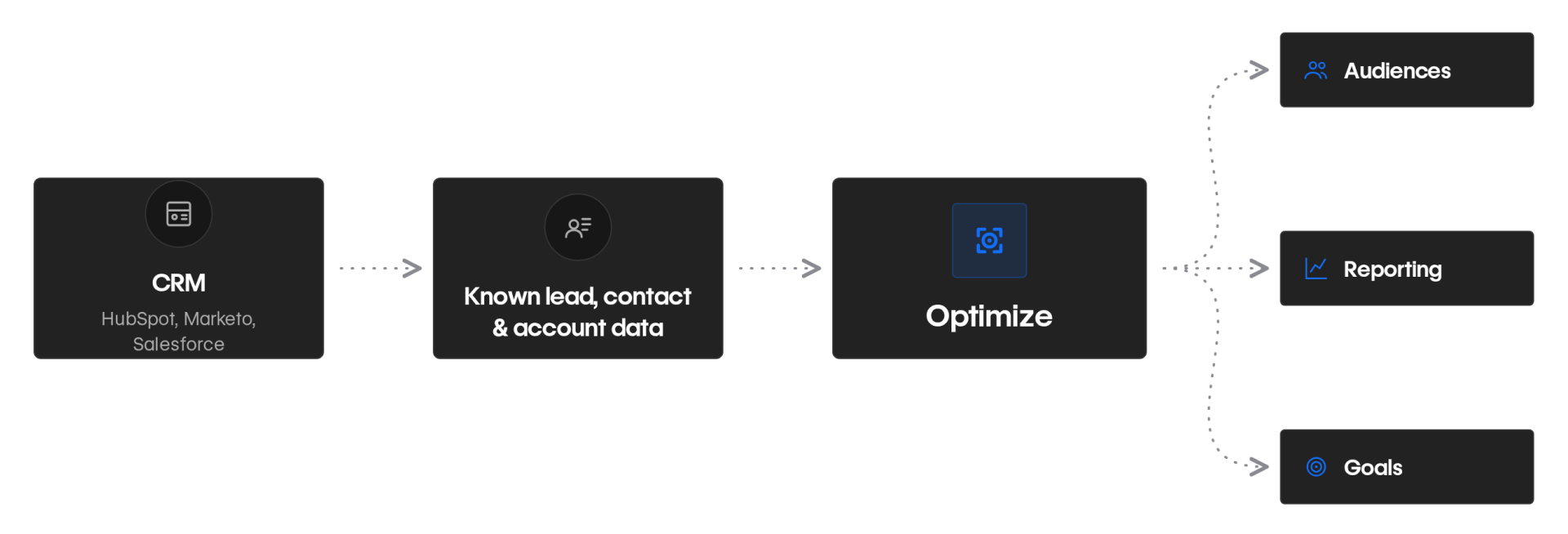
CRM and marketing integrations let Optimize use information your team already knows about leads, contacts, customers, accounts, or opportunities.
You can connect tools like HubSpot, Marketo, or Salesforce to make existing lead, contact, account, or opportunity data available for targeting and reporting.
Build audiences from CRM data
Use CRM data to build more focused audiences and tailor experiences for known visitors.
For example, you can target specific accounts, distinguish customers from prospects, or personalize by lifecycle stage or account type.
Get more detailed reporting
Connected CRM data can help you understand which experiences resonate with different leads, contacts, accounts, or opportunities.
Salesforce outbound links can add even more precise individual-level data for targeting and reporting.
Track CRM form submissions as goals
If you integrate with Marketo or HubSpot, you can track form submissions as goals in Optimize.
Each time a visitor submits one of these forms, a conversion counts towards that goal.
Capabilities and setup vary by platform. Refer to the Help Center articles about Optimize integrations for details on supported integrations and what each one unlocks.
Improve company identification with Enhanced Match
But what about visitors you don’t already know?
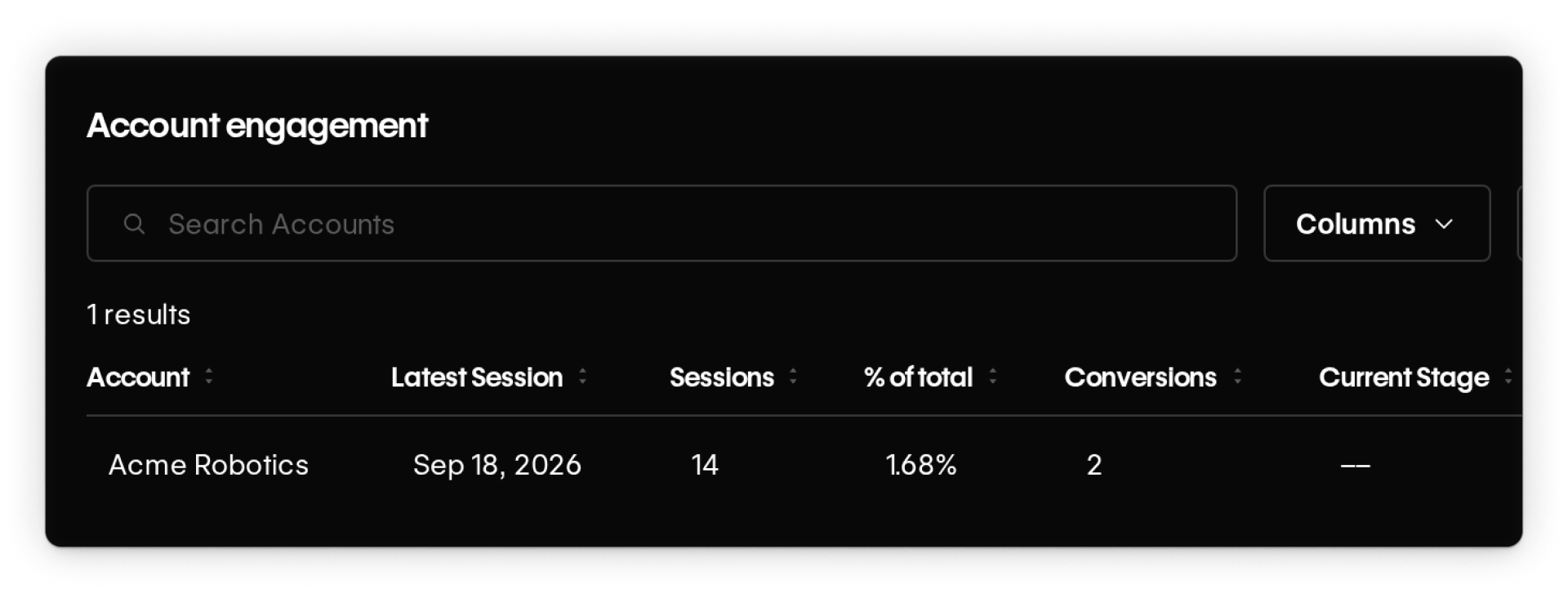
Enhanced Match helps Optimize identify the company behind some otherwise anonymous visitors.
It uses reverse IP lookup to look for a high-confidence company match and can surface details like company name, industry, company size, domain, and estimated revenue.
You can then use that company data for audience targeting and reporting.
Enhanced Match is automatically available for Enterprise customers, and integrations like 6sense or Demandbase can improve company matching by expanding the data Enhanced Match uses.
Without Enhanced Match
Without Enhanced Match, Optimize can still use signals like device, location, campaign source, and behavior, but it may not know which company an anonymous visitor belongs to.
.png)
With Enhanced Match
With Enhanced Match, Optimize can use reverse IP lookup to identify a visitor’s company when there’s a high-confidence match, adding firmographic details like company name, industry, size, domain, and estimated revenue.
Enhanced Match + Integrations
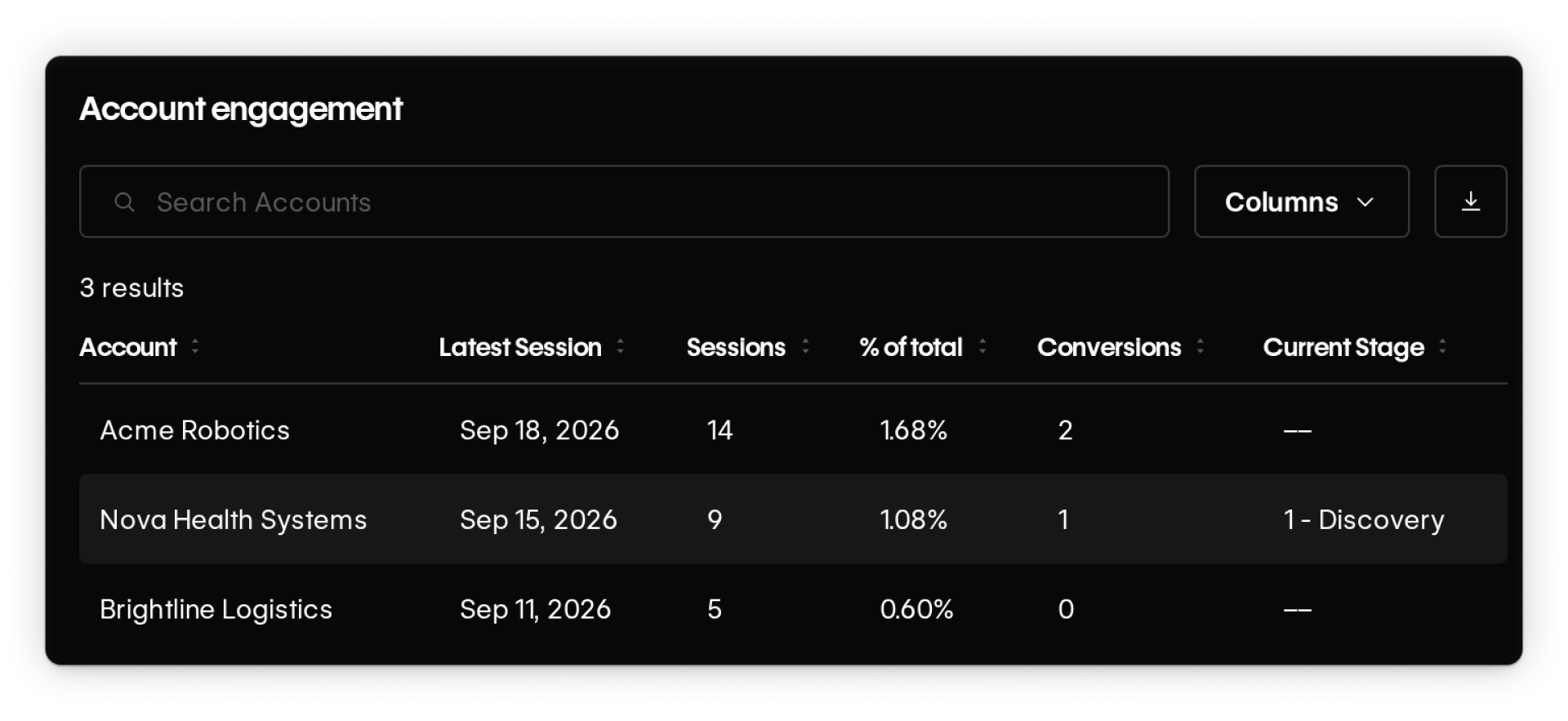
Connecting 6sense or Demandbase gives Enhanced Match additional company-identification data to work with, which can improve match rates and help identify more visiting companies.
Putting it all together
A simple way to remember the role of each connection:
- Analytics integrations help you analyze Optimize activity in the reporting tools you already use.
- CRM and marketing integrations help you use what you already know about leads, customers, and accounts.
- Enhanced Match helps you learn more about visitors you don’t already know.
- 6sense and Demandbase can make that anonymous company matching stronger.
You don’t need every connection to get value from Optimize. Add them when they unlock data your team can actually use for targeting, measurement, or reporting.
Ready to keep going?
Now that you know how integrations can extend Optimize, continue to the next lesson to define the goals your optimizations will measure.