Forms best practices
By this point, you’ve seen how forms work in Webflow from multiple angles: structure, layout, field setup, usability, accessibility, and submission handling. Let’s put those ideas together into a set of practical best practices you can apply across projects.
Start with a clear purpose
Strong forms begin with a clear reason for existing. Before adding fields or styling details, it should be obvious what the form is meant to accomplish. If you can’t describe a form’s purpose in a single sentence, it’s often a sign the form is trying to do too much.
A few questions help clarify intent:
- Why does this form exist on this page?
- What action should someone expect after submitting?
- Who is responsible for follow-up?
When a form feels heavy or confusing, revisiting or simplifying its goal often improves results more than adding features.
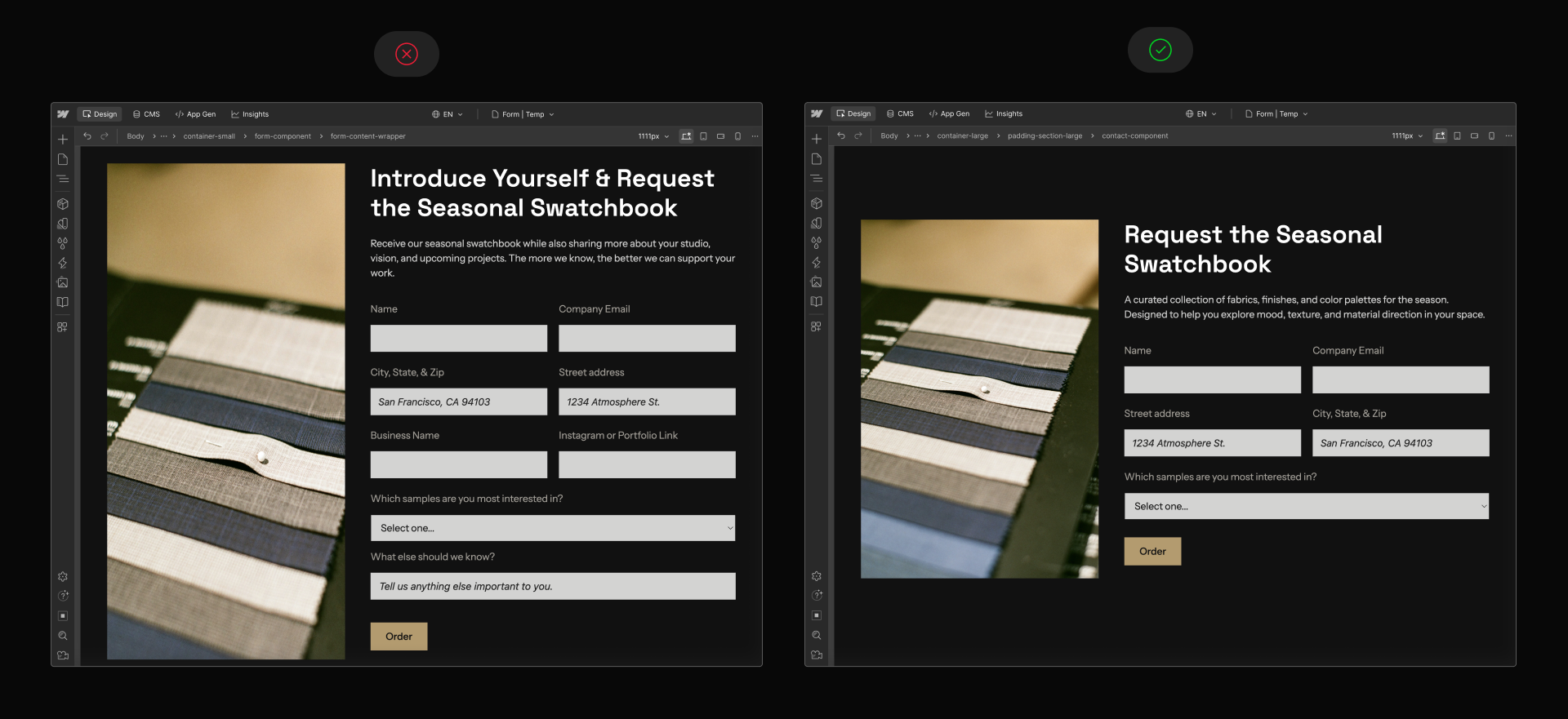
Keep structure clean and intentional
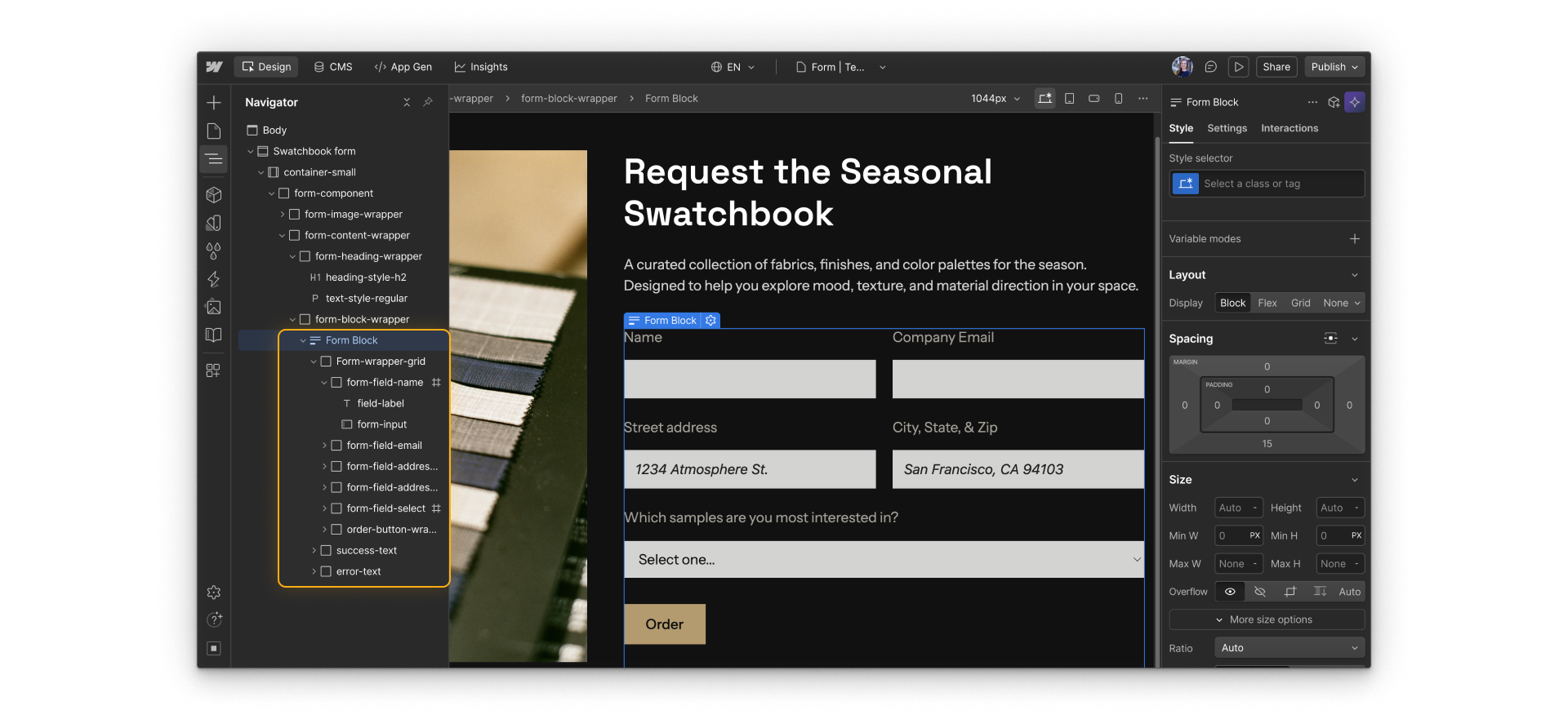
Form behavior in Webflow depends on structure. Keeping everything inside a single Form block, preserving success and error states, and grouping fields consistently all support predictable behavior.
Clean structure also makes forms easier to update later. Layout changes, styling updates, and troubleshooting are simpler when the underlying structure is clear.
Design fields with real follow-up in mind
Every field you add becomes part of the submission data your team works with later.
Good field design usually means:
- Using clear labels and field names that make sense in exports and emails
- Marking fields as required only when the information is truly necessary
- Keeping forms as short as possible for the intended outcome
Fewer, clearer fields tend to lead to higher completion rates and more usable data.
Provide clear feedback after submission
Forms should never leave people guessing.
Success messages should clearly confirm that the submission worked and explain what happens next, such as when someone can expect a follow-up or where the message was sent.
Most field-level errors, like a missing required field or an incorrectly formatted email address, are handled automatically by the browser. The form’s global error message appears if a submission can’t be completed, so keep that message general and focused on what the user should do next.
Quick demo → Fixing browser-identified field errors and resubmitting with a clear success message.
Clear feedback builds trust and reassures both users and teams that the form is working as expected.
Plan for ownership and maintenance
Forms don’t end at submission. Someone needs to review them, respond to them, and maintain them over time.
Best practices include:
- Deciding who owns each form and its follow-up
- Establishing routines for reviewing submissions and spam
- Revisiting forms periodically to confirm they still serve their purpose and provide the right data
Even well-designed forms can fail in practice if ownership is unclear.
Time to try it.
Now that you know some solid best practices, time to get hands-on and work with forms in a real Webflow site.