SEO overview
SEO and the Marketer role
Search engine optimization affects whether people can find your site at all. For marketing teams, that makes it a core part of the job and not a technical afterthought someone else handles.
The good news is that Webflow gives Marketers direct access to the SEO settings that matter most. Before the next video walks through those tools, it helps to understand what SEO involves and where your responsibility typically starts and ends.
SEO overview
SEO is how you help search engines understand your site and surface it to the right people. It covers three broad areas:
- Technical SEO
- Site performance
- On-page SEO
Technical SEO
Technical SEO involves the infrastructure that helps search engines crawl and index your site — things like sitemaps, Google Search Console verification, and analytics setup.
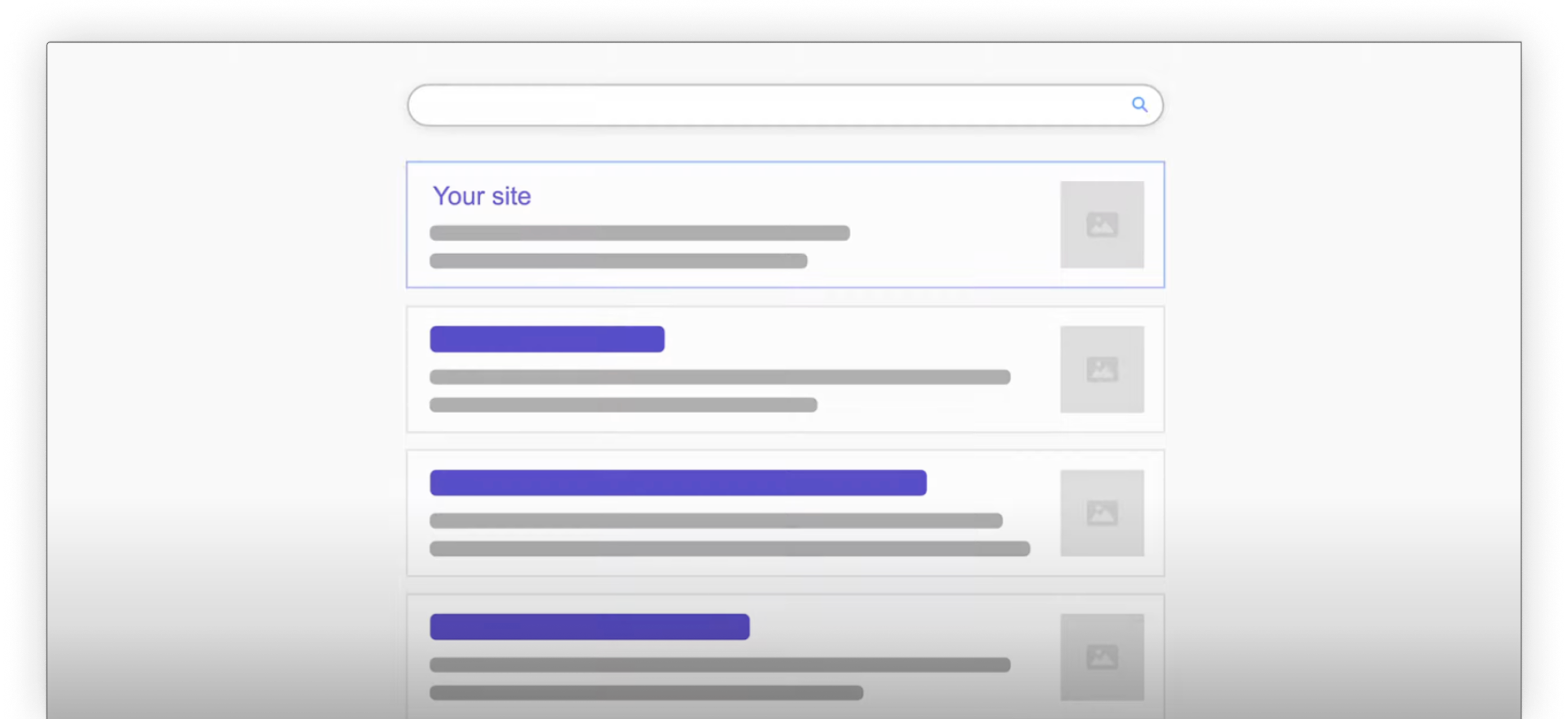
This is typically handled by a Designer or Admin during initial site setup, though Marketers often need to verify that it's in place.
Site performance
Site performance affects how quickly your pages load and how well they score in search rankings. Image compression, code minification, and modern image formats all factor in here.
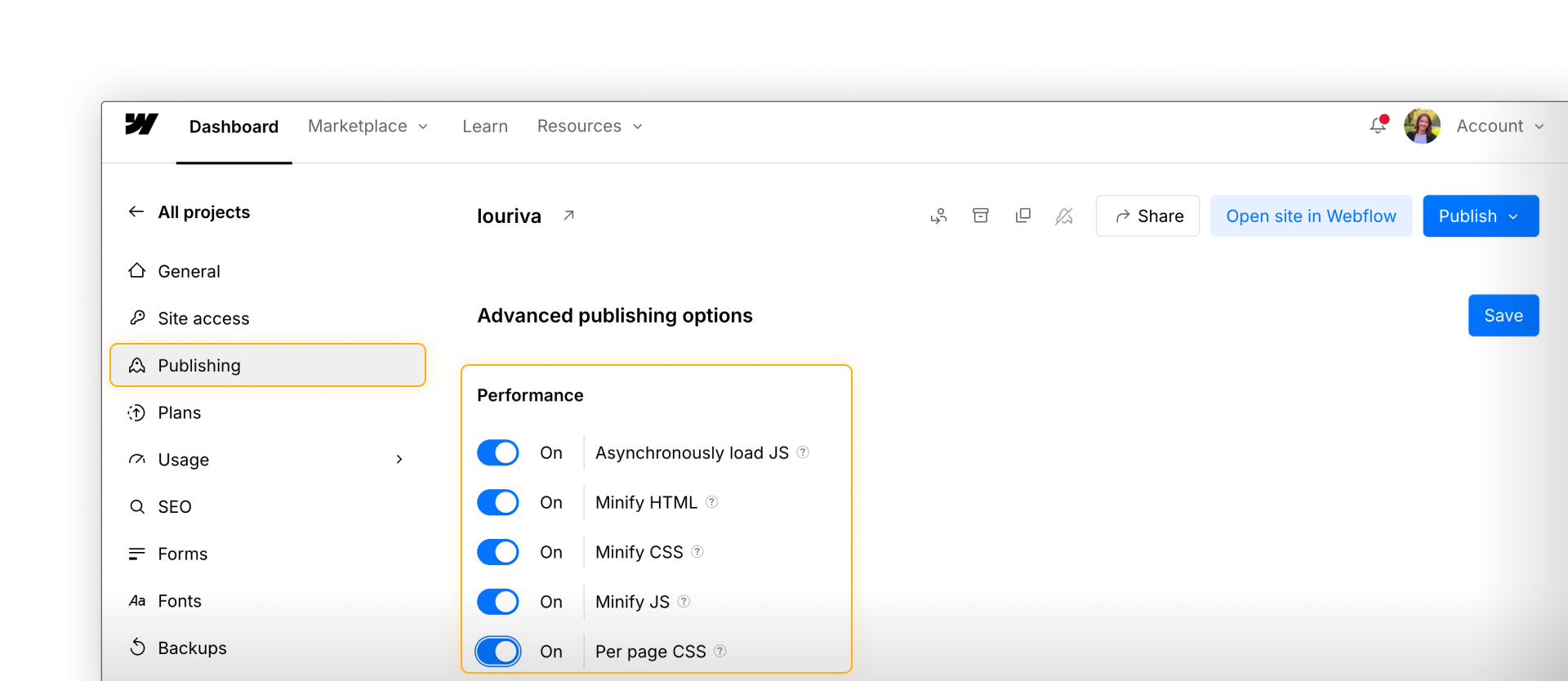
Some of this is set at the site level by a Designer or Admin — but knowing what exists helps you flag issues when they come up.
On-page SEO
On-page SEO is where Marketers typically own the most. Title tags, meta descriptions, Open Graph settings, alt text, and heading structure all live at the page level and can be updated directly in Webflow without Designer access.
.png)
Good SEO isn't something you configure once and forget. Content changes, new pages launch, and search behavior shifts over time.
The Audit panel in Webflow helps you stay on top of issues as they come up — flagging things like missing alt text, heading hierarchy problems, and other common on-page issues.
Keep going
The next video walks through the key SEO tools in Webflow that you will use as a Marketer.