Overview of the Marketer role
Role overview
As someone assigned the Marketer role in Webflow, you may be responsible for launching campaigns, updating site content, or keeping pages aligned with your brand and business goals.
The Marketer role in Webflow is designed to help you move quickly while protecting design consistency. It gives you access to the tools needed for common marketing workflows in Webflow, so you can work visually on the canvas and collaborate closely with Designers and Content editors using approved templates, components, and structures to turn strategy into live, measurable web experiences.
Key workflows for Marketers
The Marketer role is designed around a few common, high-impact workflows. These are the tasks you’ll return to most often.
Check out the Role guide for Marketers to learn more about the Marketer role in detail.
Build pages
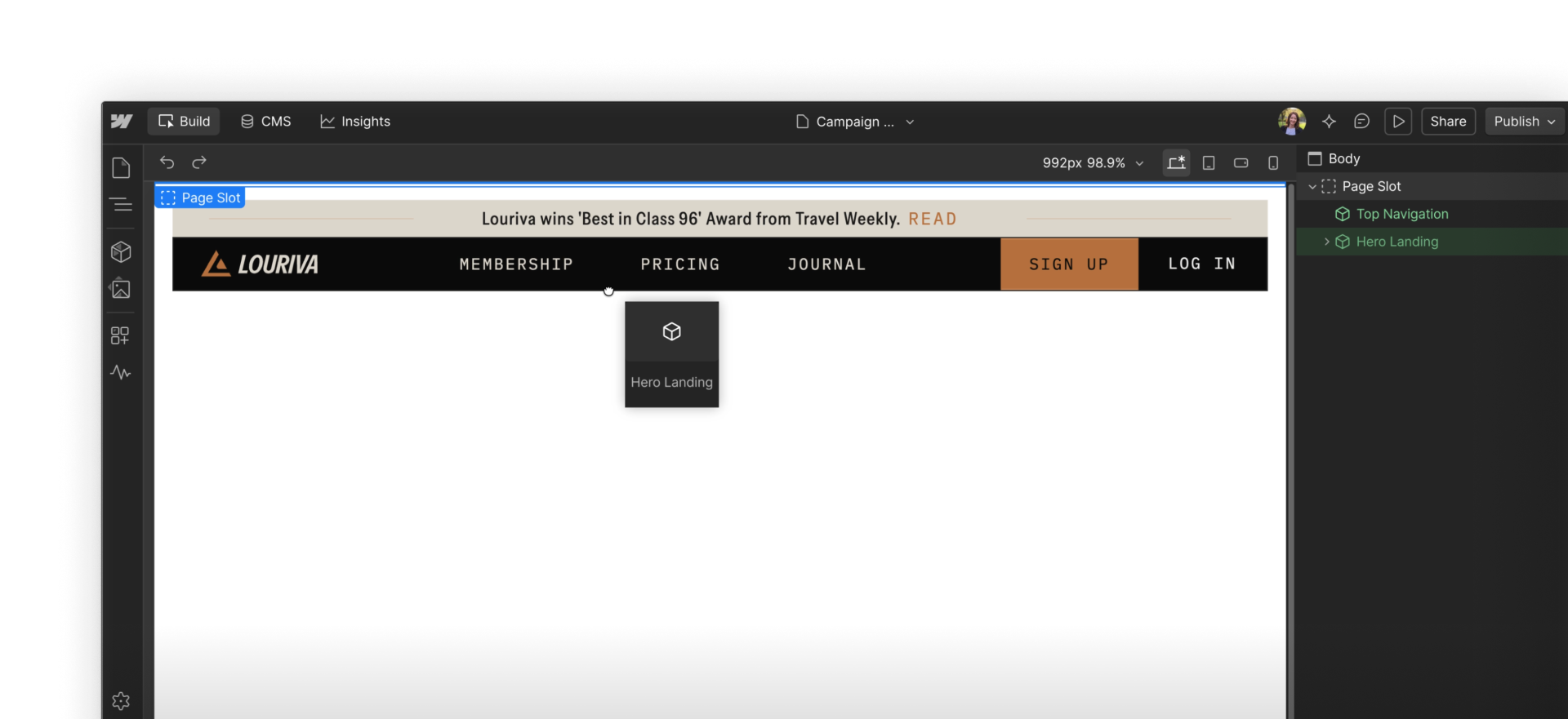
Build landing pages, event pages, product pages, and more using pre-built layouts and components. You'll work visually on the canvas, selecting pre-built templates or building a page from scratch, then updating content and structure to fit your needs.
Because templates and components are already styled and responsive, you can focus on messaging, hierarchy, and conversion goals instead of layout or design decisions.
Edit content
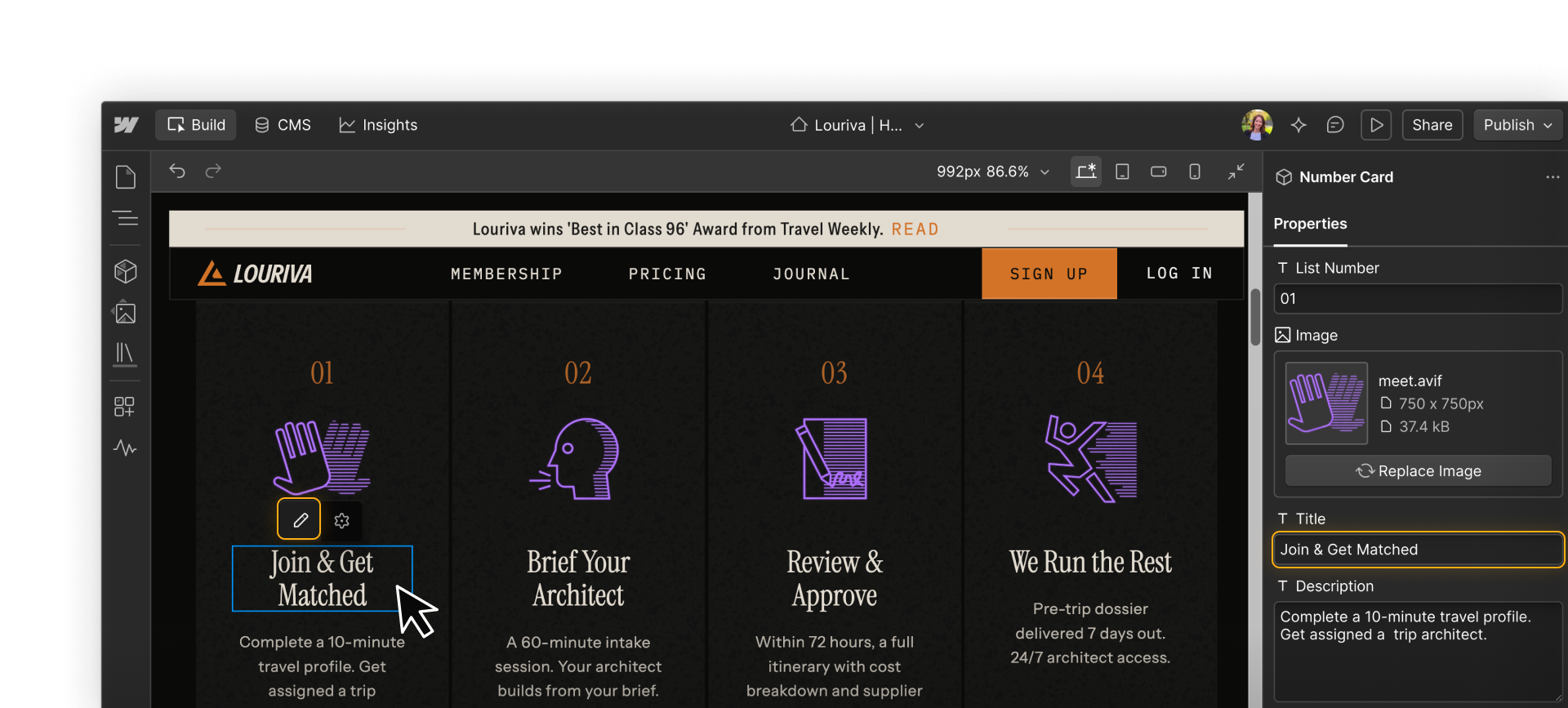
Edit copy, swap images, update links, and keep content accurate and on-brand as campaigns evolve. You'll make these updates directly on the canvas, so you can see how changes look in context as you go. This makes it easy to adjust messaging, refine calls to action, and keep pages current — all without affecting layout, styling, or responsiveness.
Add, edit, and publish CMS items
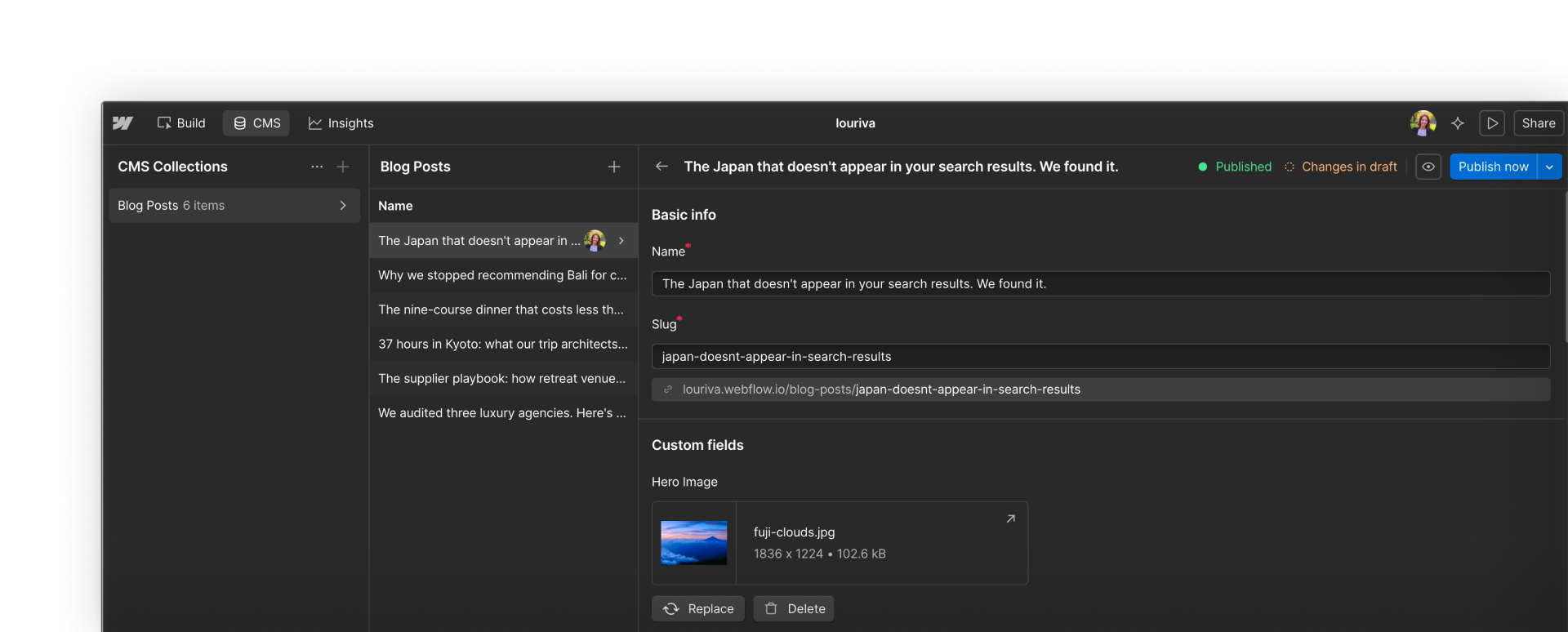
Create and manage blog posts, events, case studies, or product listings — repeatable content you'll update over time to keep it accurate, timely, and aligned with your marketing goals. When creating a new item, you'll fill in structured fields like title, author, publish date, and SEO metadata, then write content in a rich text editor.
You can preview how the item looks on the site, make any final edits, and publish it when it's ready to go live.
Manage SEO & page settings
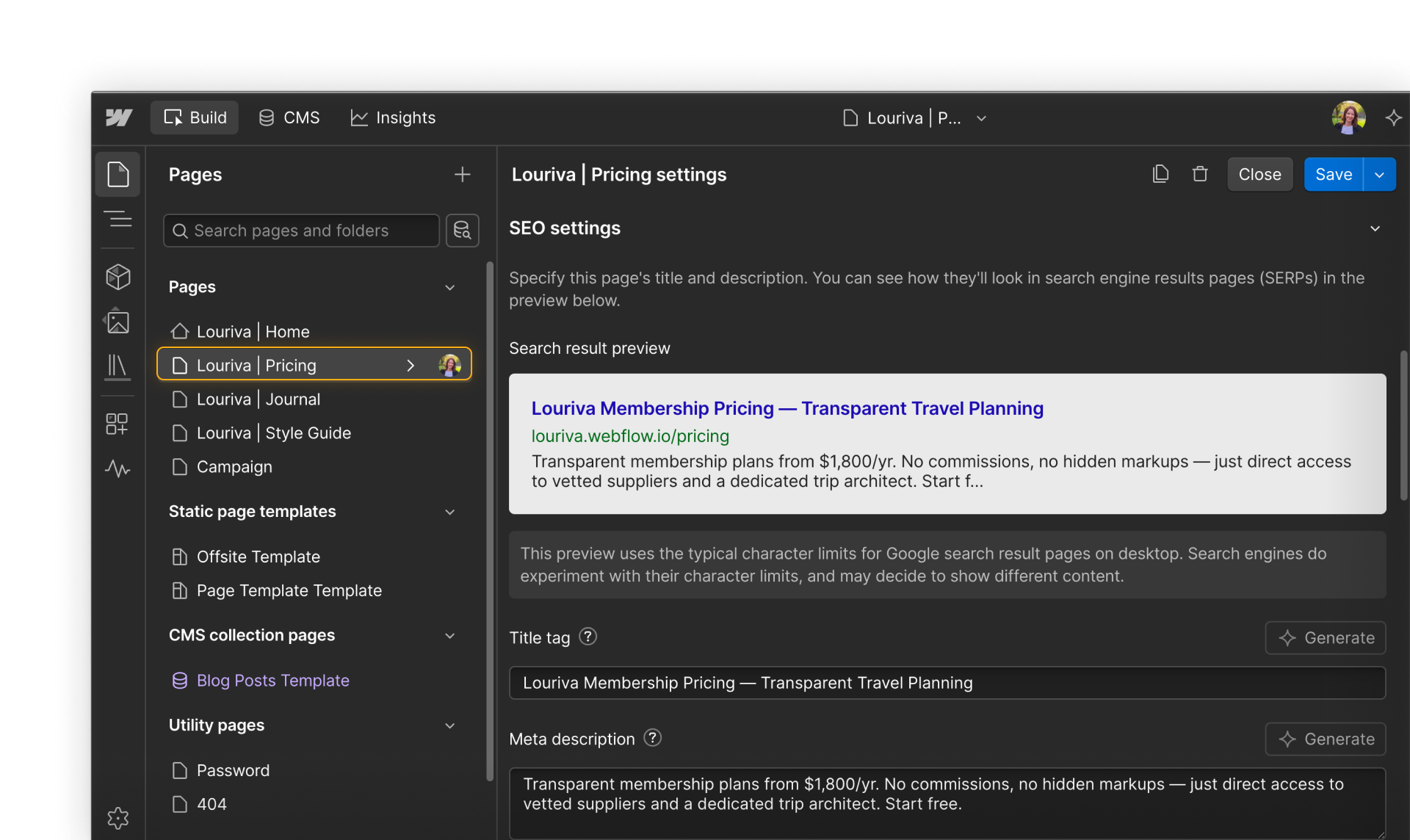
Control page titles, meta descriptions, Open Graph settings, and visibility options for individual static pages or CMS items. You'll typically make these updates from page or CMS settings, where you can adjust SEO fields, preview how content may appear in search results or social shares, and refine metadata as messaging evolves.
Because these settings are scoped to individual pages or items, you can optimize content without affecting site-wide structure or design.
Add, respond to, and resolve comments
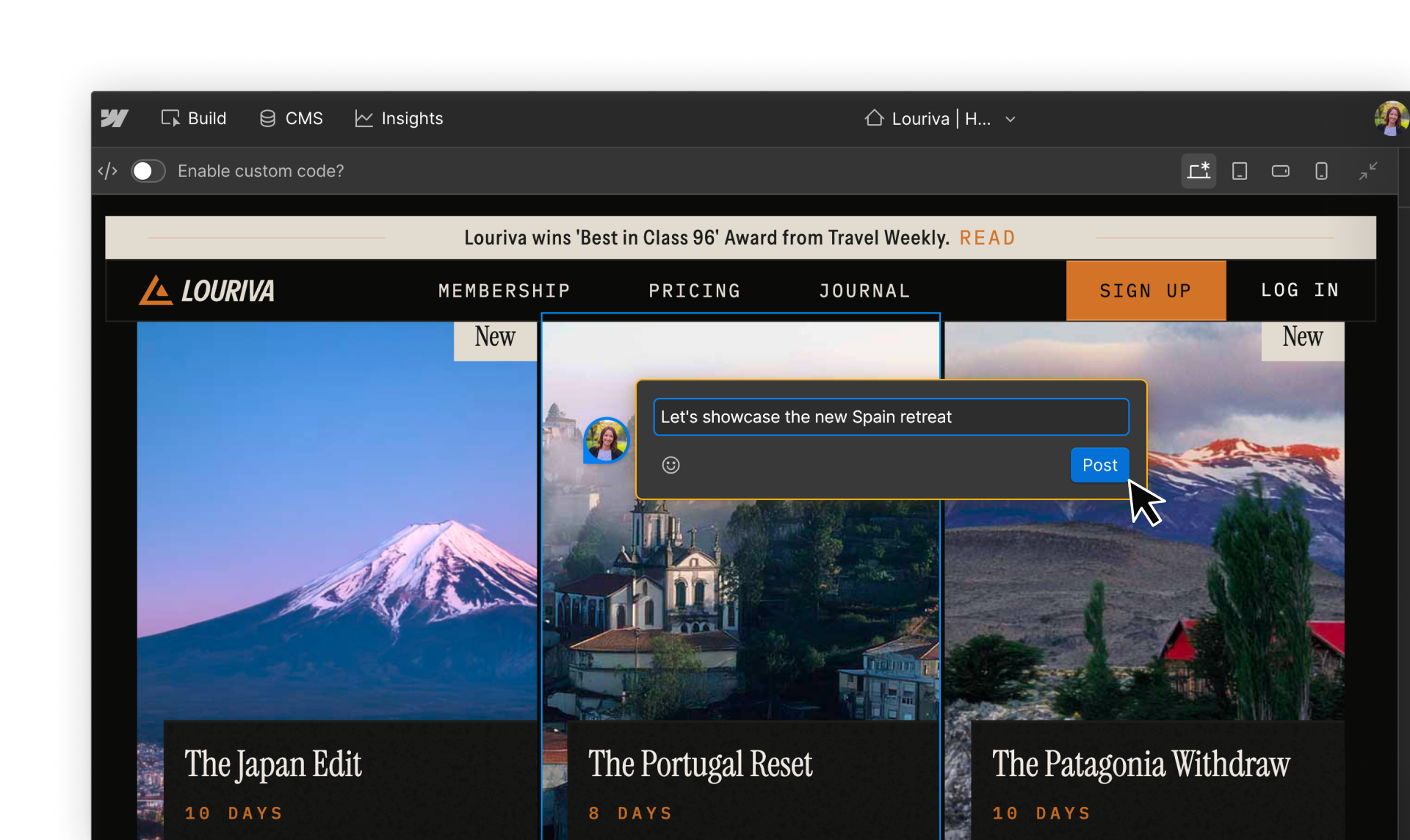
Add comments directly on pages or CMS content to flag questions, request input, or highlight changes that need review before a campaign goes live. You'll often use comments to collaborate with Designers, Content editors, and Reviewers — asking for design adjustments, confirming copy updates, or responding to review feedback.
Because comments live directly on the page, it's easy to understand feedback in context and keep conversations tied to the work itself.
Publish to staging and production
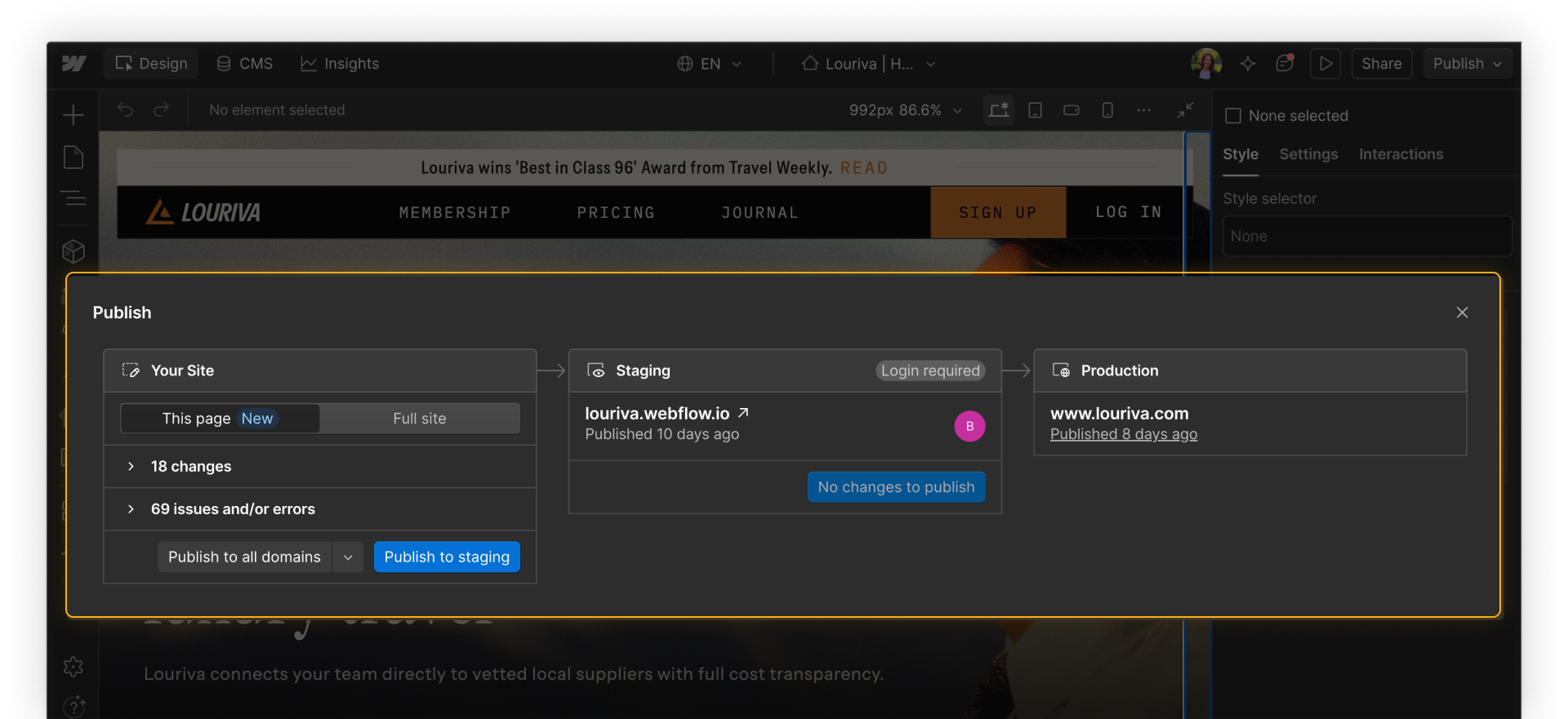
As a Marketer, you have two ways to publish content:
- Full-site publishing: Pushes all unpublished changes live at once — new pages, content edits, CMS updates, everything modified since the last publish. This is the right option when a coordinated set of changes is ready to go live together.
- CMS single-item publishing: Lets you publish an individual CMS item — a blog post, a case study, a product update — without triggering a full-site publish. This is useful when a piece of content is ready but other changes on the site aren't, or when you need to move quickly without waiting for a broader review cycle.
Ready to dive in?
Each section of this course will dive into the core workflows in more depth. We'll start with page building in the next section.