Review & practice: Commenting
Review best practices and try your hand at commenting.
Best practices
- Leave comments in context. Attach comments directly to the element they're about, not just to a general area of the page. A comment on the exact button, heading, or section makes it much faster for your Designer to find and address. General page-level comments create ambiguity about what actually needs to change.
- Tag teammates when you need a response. If a comment needs action from a specific person, tag them with @. Otherwise it can sit unnoticed in a thread full of other activity. Tagging makes the ask explicit and creates a notification so nothing gets missed.
- Resolve comments when they're addressed. Unresolved comments accumulate quickly. Once a change has been made, mark the comment as resolved so the thread stays clean and it's easy to see what still needs attention.
- Know when to comment and when to escalate. Comments work well for specific, addressable feedback (e.g. a copy change, a broken link, a layout question, etc.). If something requires a broader conversation about direction or scope, take it to Slack or a meeting rather than a comment thread. Comments aren't the right tool for every kind of discussion.
Sharing access with outside reviewers
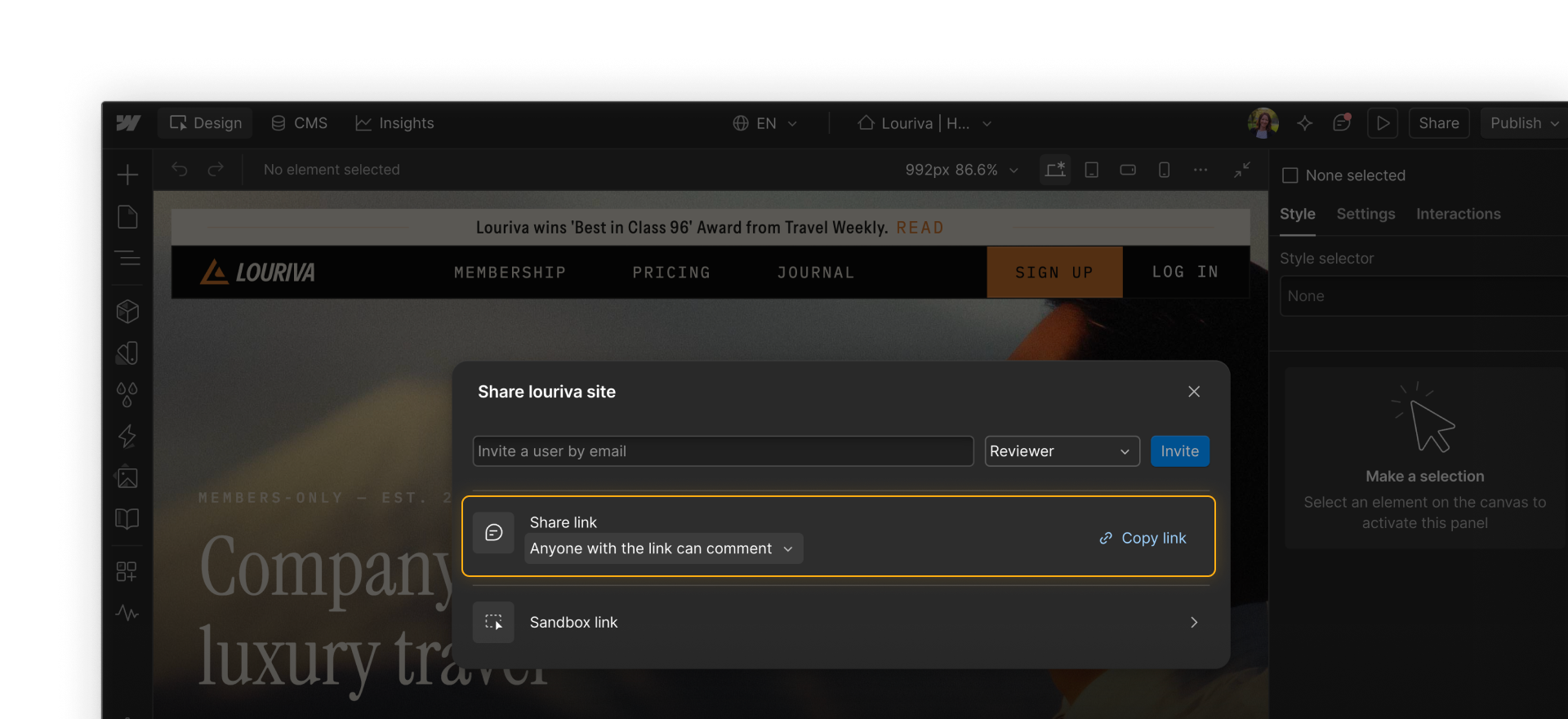
Not everyone who needs to review your site has a Webflow account. For external partners, clients, or stakeholders who only need to look and respond, you can share a comment-only link — a direct link that lets anyone view the site and leave comments without signing up for Webflow.
This is useful for one-off or occasional reviewers who don't need ongoing access to the workspace.
Practice activity
Time to try it yourself. Using the practice site, complete the following:
- Leave a few comments on specific elements on the page.
- Reply to one of your comments in the thread.
- Resolve one of your comments to mark it as complete.
Keep going
Now that we've covered commenting to collaborate with your team, let's move on to the final workflow — publishing to staging & production.