Staging & publishing best practices
Treat publishing as a team event
The staging and publishing workflow is where everything comes together — design changes, content updates, feedback, and approvals all converge at the moment something goes live. A few consistent habits make the difference between a team that publishes with confidence and one that publishes with anxiety.
Always go through staging
Staging exists for a reason. Use it every time — not just for major launches.
Before anything goes to production, publish to staging first. This gives you the opportunity to catch issues with custom code, forms, and interactions, test across devices and browsers, and share the staging link for final review and sign-off.

Skipping staging to save time is one of the most common sources of preventable publishing mistakes. The few minutes it takes to review staging are almost always worth it.
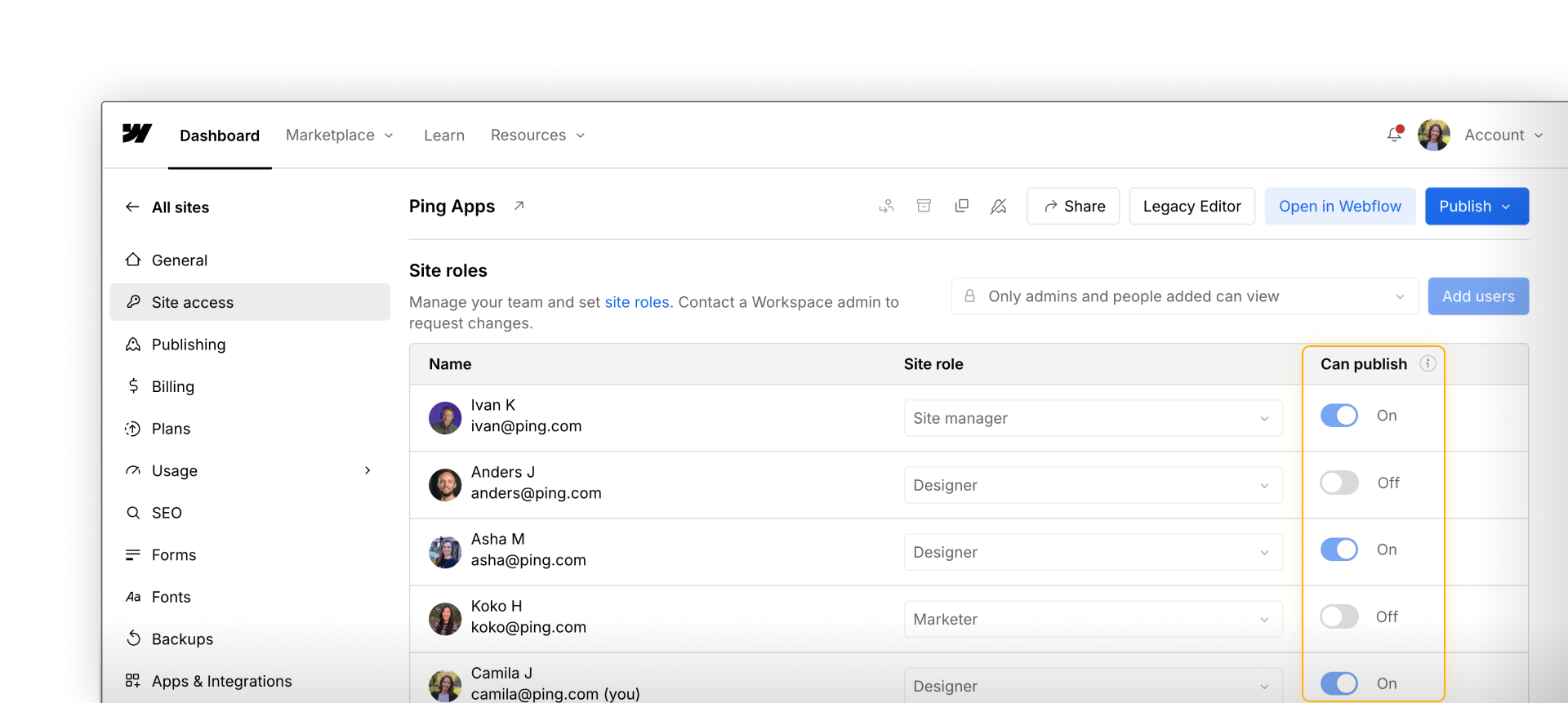
Control who can publish and keep it current
Publishing permissions are only useful if they reflect how your team actually works. Build in a habit of reviewing them regularly:
- When someone joins the team, set their publishing permissions intentionally — don't default to the broadest access
- When someone leaves or changes roles, update their permissions immediately
- After a major launch, reassess whether current permissions still make sense
CMS publishing and full-site publishing workflows
CMS item publishing and full-site publishing have different rhythms — and treating them the same creates confusion.
- CMS item publishing is often more frequent and lower risk. A new blog post, an updated case study, a corrected product description — these can often be published independently by Content editors or Marketers without a full-site review cycle.
- Full-site publishing is less frequent and higher stakes. It should follow a more deliberate process: changes reviewed in staging, sign-offs confirmed, and the right person executing the publish.
Establish separate workflows for each. Don't make a Content editor wait for a full-site review cycle just to publish a blog post — and don't let a full-site publish slip through without proper review just because someone needed to update a CMS item.
Feeling good?
Now let's bring everything together with a look at the most common collaboration patterns and the practices that make them work.