Background & preview
Custom code in Webflow
Webflow is a visual-first platform. You build sites by adding elements to sites, styling them on the canvas, and working with content without needing to write code by hand. Webflow generates HTML, CSS, and JavaScript for you behind the scenes.
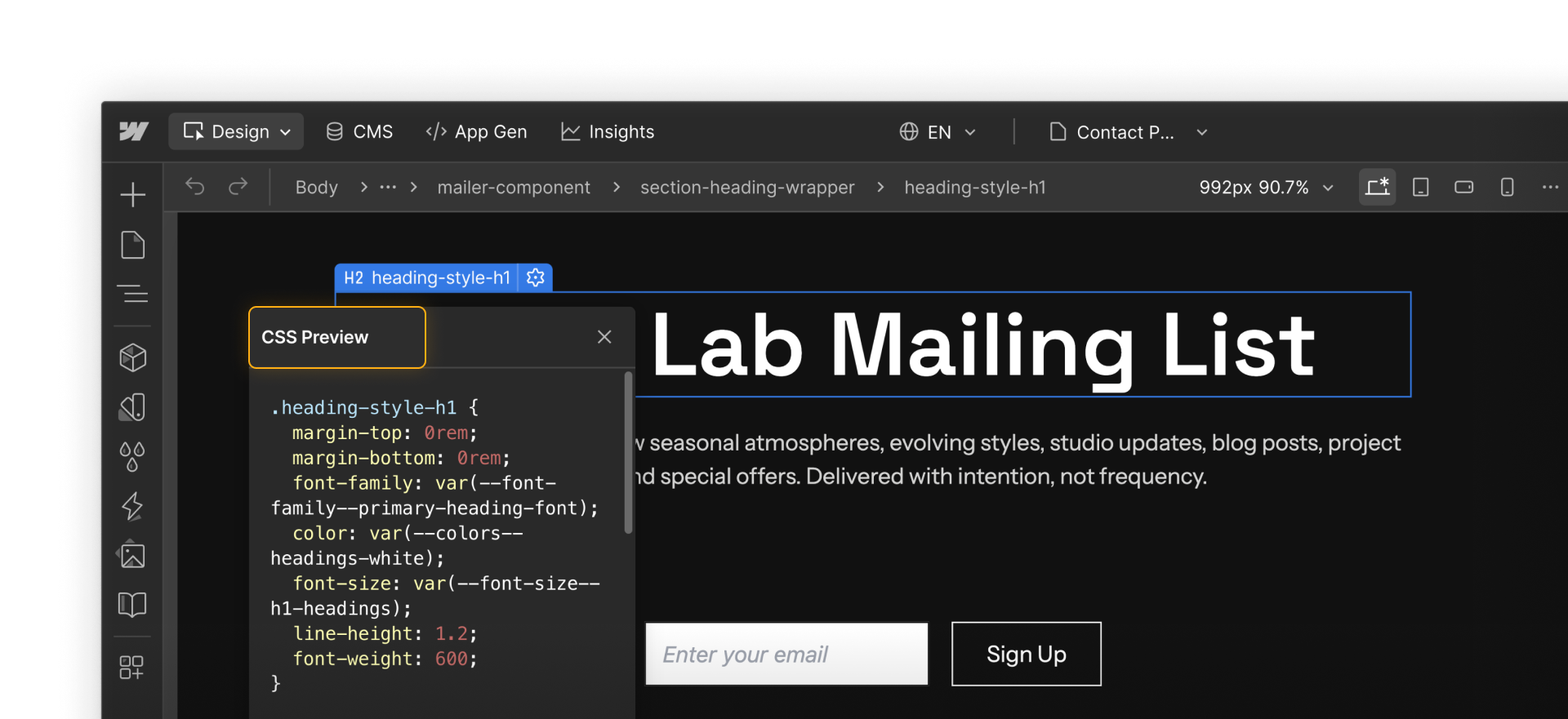
But sometimes, a site needs to do something that isn't available out of the box. That's where custom code comes in. In a Webflow project, custom code means adding additional code so the browser runs it alongside Webflow's built-in output. Rather than replacing what Webflow does, custom code builds on top of it.
This can include:
- HTML snippets that embed external content, like videos, maps, or scheduling widgets
- CSS rules that fine-tune styling beyond what the Style panel offers
- JavaScript snippets that add behavior or integrations, such as analytics tracking, third-party widgets, or small enhancements
Looking for code components? Code components let you bring React components into Webflow. When you're ready to take things further, you can learn more about them here.
Common uses for custom code
In many real-world projects, you're not writing custom code from scratch. Instead, you'll often copy a snippet from a trusted third-party tool and add it to your Webflow site to enable a specific feature.
Webflow's native tools cover a wide range of design and layout needs, but custom code is commonly used to:
- Inject interactive elements like a Google map, calendar widget, and similar embeds
- Integrate third-party services, like chat tools, scheduling platforms, or consent banners
- Handle edge cases, such as small styling or behavior tweaks that aren't possible with native controls
But when Webflow already provides a native feature that does what you need, using it is usually the simplest and most reliable option. Part of working with custom code is knowing when you need it and when you don't.
What we'll cover
You don't need to be a developer to use custom code in Webflow. This course focuses on the practical side, including where custom code belongs and how to work with it without overcomplicating your site.
You'll learn:
- How custom code fits into a Webflow project
- The different places you can add it,
- How code placement impacts where and how it shows up, and
- How to manage custom code so that it's usable and maintainable on your site
Need help finding your way around? Learn how to navigate Webflow University lessons, courses, and learning paths, including how to mark items complete.
Ready to dive in?
Click Continue to next lesson to head to the next lesson, where we'll look at the various ways you can add custom code to your Webflow site.