At the layout level (Code Embed element)
How the Code Embed element works
The Code Embed element is used when custom code needs to live directly inside your page layout. It’s placed on the canvas, just like other elements, so it appears exactly where you add it.
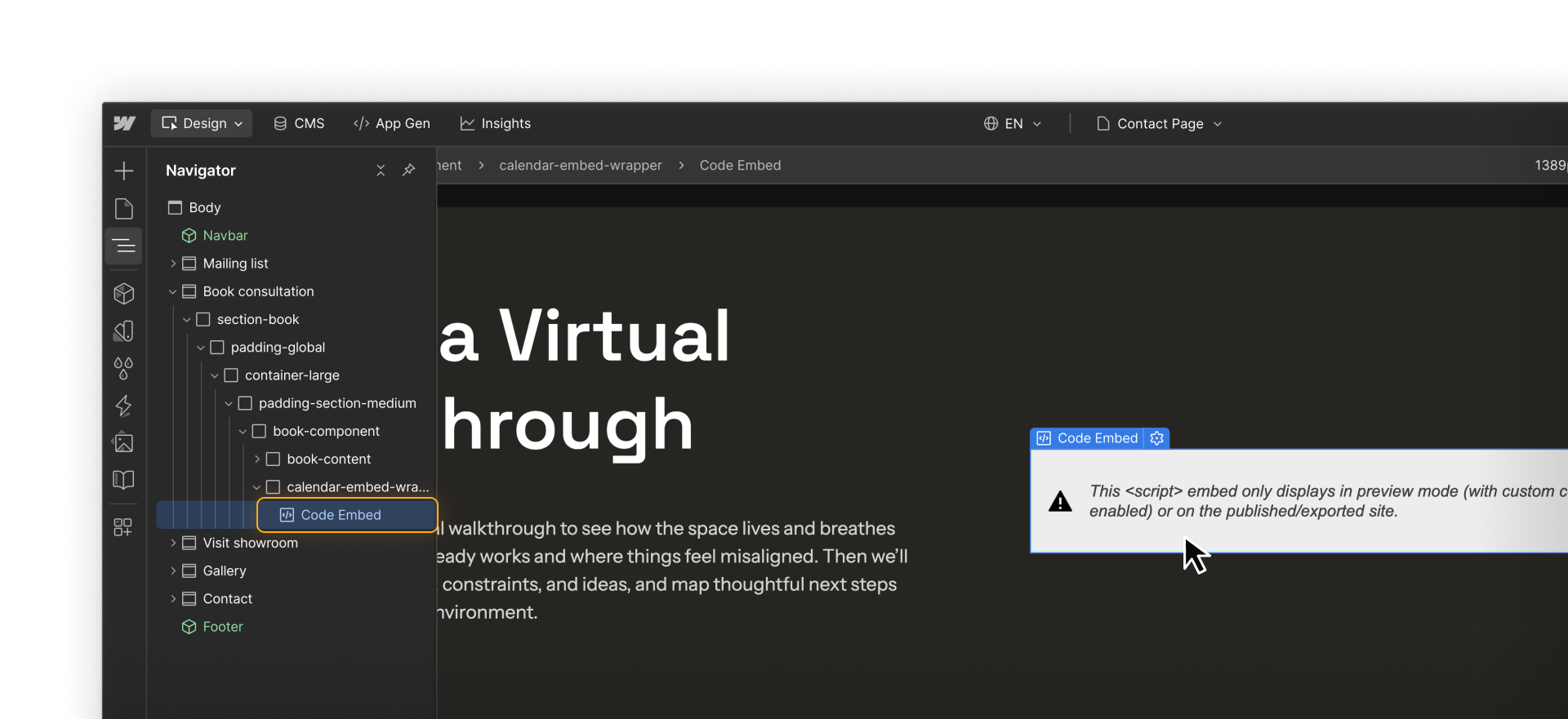
Inside the element, you can paste custom code such as HTML snippets, iframe embeds, or small CSS or JavaScript snippets. Once added, the embed becomes part of your layout and renders based on its position in the element hierarchy.
The Code Embed element requires a paid site plan or Workspace. If you don’t see it available, check your plan settings or review Webflow Plans & pricing.
How to use the Code Embed element
To add custom code to your layout using the Code Embed element:
- Decide where the embed should live by choosing or creating a container and setting up spacing, alignment, and responsiveness with Webflow’s native layout tools.
- Add a Code Embed element to the page and place it inside the appropriate section, div, grid, or component.
- Paste the embed code provided by the third-party tool, such as HTML, an iframe, or a script.
- Preview the page in Preview mode or by publishing to staging to confirm the embed loads and behaves as expected.
- Refine layout and styling if needed by adjusting parent elements or layout styles rather than editing the code itself.
Choosing the right embed code from third parties
Many third-party tools offer more than one way to embed their content. You might see options like:
- iframe embeds
- Script-based embeds
- Inline vs global embed options
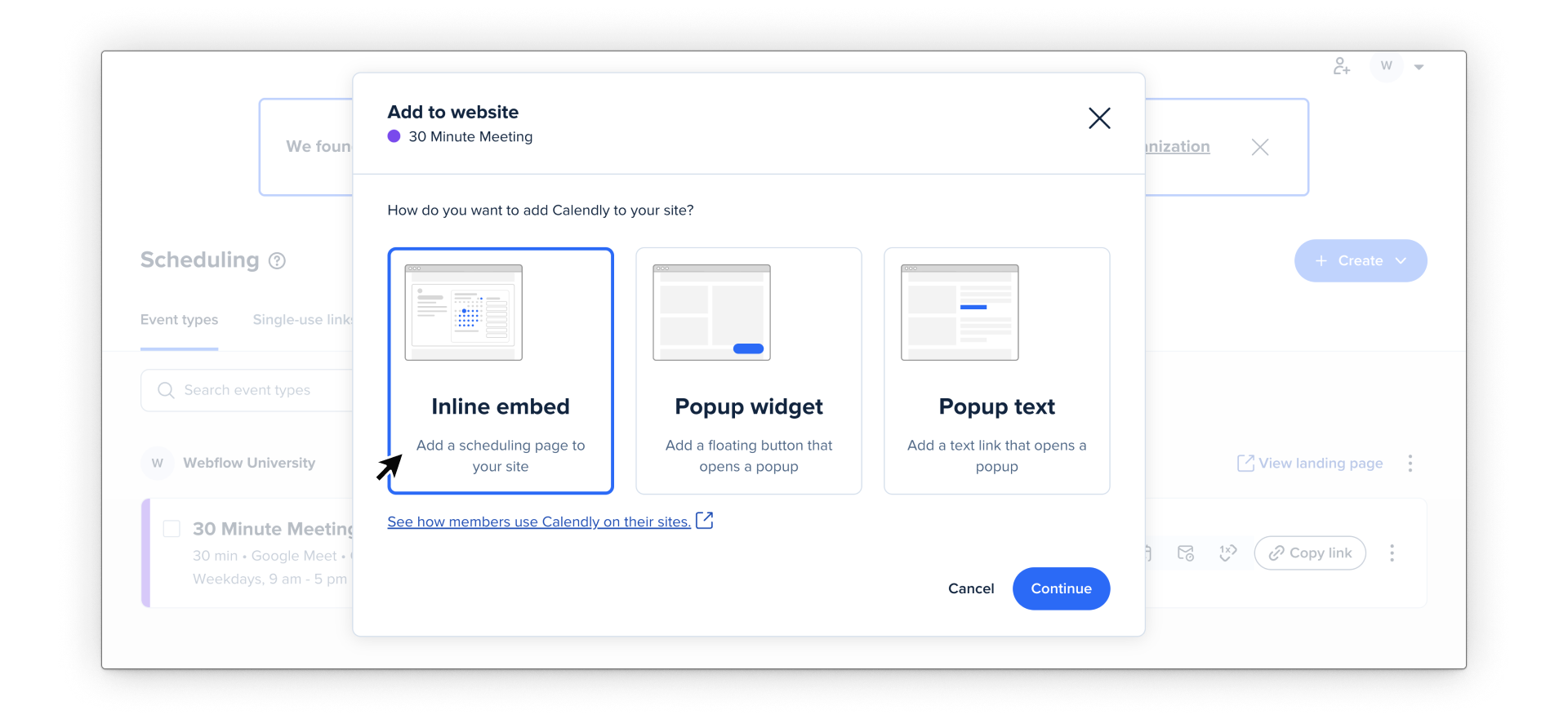
When using the Code Embed element, look for embed options designed for inline or embedded use. These are meant to live inside page layouts and usually behave more predictably in Webflow.
The Code Embed element supports standard HTML, CSS, and JavaScript. Embeds meant for other frameworks won’t render in Webflow, so this is a good first thing to check if nothing appears.
Taking a moment to choose the right embed option upfront can save time troubleshooting later.
How Code Embed works with layout and styling
Code Embeds live inside your layout, so they can reference your project’s existing styles and variables. For example, you might reference a CSS variable instead of hardcoding a color value. This is useful when you want embedded content to stay aligned with your design system.
And because the Code Embed element lives inside your page structure, it follows the same layout rules as other elements in your layout:
- It can be nested inside Divs, grids, or components
- Its parent elements control spacing, alignment, and responsiveness
- It responds to breakpoints just like any other element
This also means that issues with embeds are often layout issues, not code issues. If an embed looks cramped, overflows, or behaves unexpectedly on smaller screens, the fix usually involves adjusting the surrounding layout or container styles.
Ready for more?
Now that you’ve got the Code Embed down, let’s look at how to use custom code at the page- and site-levels.