Audit your Webflow site
Why audits matter
SEO isn’t something you set up once and forget about. Over time, sites naturally change. New pages get added, slugs are updated, content becomes outdated, links break, and search systems evolve.
Regular audits help you catch these changes early and keep your site healthy, discoverable, and trustworthy. Think of an SEO audit as your site’s routine checkup — a little ongoing care helps everything keep running smoothly.
Audits aren’t about finding failures. They’re about staying aligned as your site grows.
Use the Webflow Audit Panel regularly
The Webflow Audit Panel gives you a built-in way to spot common SEO and accessibility issues right on the canvas. It scans the current page and flags opportunities to improve structure, clarity, and usability.
Check out this brief video to see the Audit panel in action.
You don’t need to fix everything at once. Even reviewing the Audit Panel periodically helps you build good SEO habits over time.
Your ongoing SEO checklist
A simple monthly or quarterly review is usually enough to maintain a healthy search presence.
During an audit, it helps to zoom out and ask a few high-level questions:
- Are your important pages indexed and showing up as expected in Google Search Console?
- Are performance metrics like loading speed and stability trending in the right direction?
- Have any links broken, URLs changed, or pages been added without metadata?
It’s also a good time to review recently updated content, spot internal linking opportunities, and check whether your site structure still makes sense as a whole.
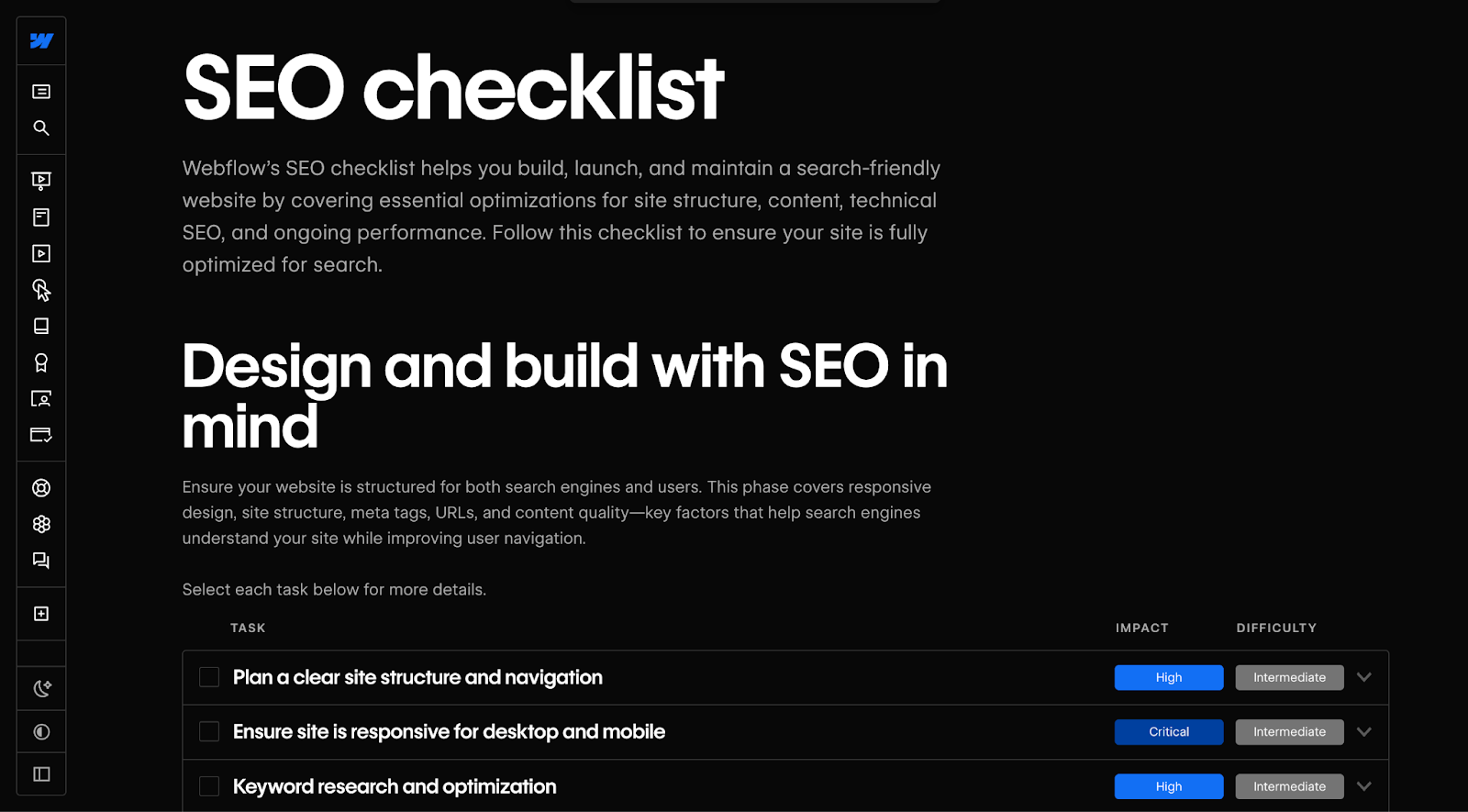
If you want a step-by-step framework, check out our Webflow SEO checklist you can follow as your site grows.’
Optional tools for deeper audits
As your SEO skills grow or your site becomes more complex, you may want to explore additional tools.
- Performance and accessibility tools like Google Lighthouse help you evaluate page speed, stability, and usability, and surface opportunities to improve performance metrics and accessibility issues.
- Site crawling tools like Screaming Frog simulate how search engines crawl your site, making it easier to identify technical issues such as broken links, redirect chains, duplicate metadata, or indexing problems across many pages at once.
- SEO platforms like Ahrefs, SEMrush, or Moz provide broader insights into keywords, backlinks, and competitive performance. These tools are especially useful for ongoing optimization, research, and tracking as your site and strategy scale.
- You can also explore SEO-focused apps in the Webflow Marketplace, which can help automate tasks, monitor performance, or integrate reporting directly into your workflow.
None of these tools are required to succeed with SEO in Webflow, but they’re optional helpers when you’re ready to go further.
Bringing it all together
Audits help you maintain everything you’ve built so far — from site structure and indexing rules to page-level settings and performance improvements.
By checking in regularly, you keep your content fresh, your structure consistent, and your SEO signals clear. SEO isn’t just about making improvements — it’s about keeping things aligned over time. A little maintenance goes a long way.
Ready to wrap up?
Let’s move on to the final lesson to explore additional resources to learn more about SEO and AEO.