Background & preview
Setting up your team in Webflow
Setting up your team in Webflow is more than sending invites. You’re deciding:
- Who can access your Workspace and sites
- What each person can do
- Where they can work
- What they can publish
This course is about getting it right from the start. The goal here is simple to state and a little harder to do well: give each person on your team exactly the access they need, so they're never blocked from doing their job, and never able to accidentally put your site at risk.
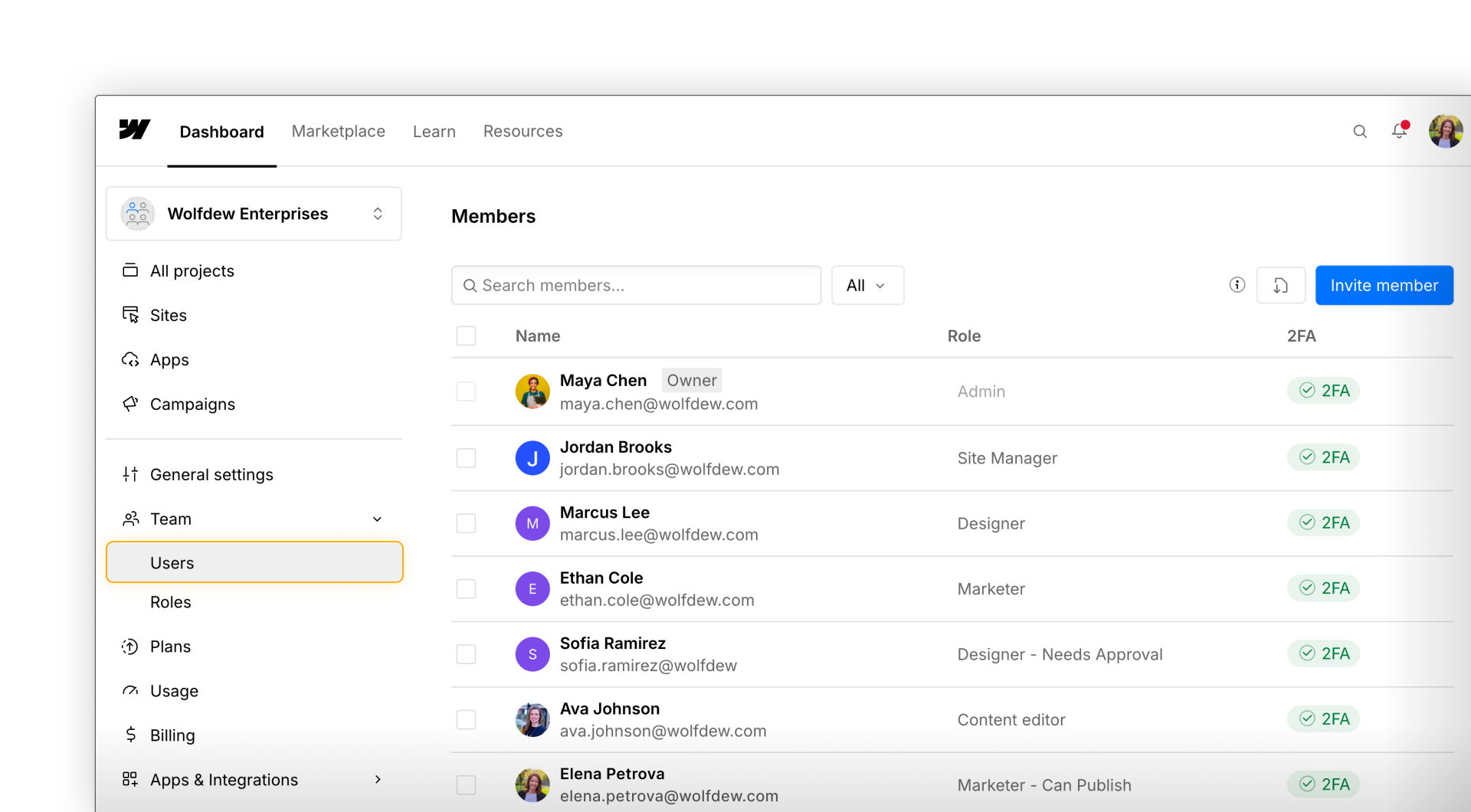
What this course covers
In this course, you’ll learn how to:
- Choose the right seat and role for each teammate
- Invite people to your Workspace
- Use custom roles when a default role isn’t precise enough
- Scope access to specific pages, CMS Collections, or locales
- Set up a teammate from invite to fully configured access
- Keep access right-sized as your team grows
Custom roles & granular access controls are available on Enterprise plans. See our pricing page to learn more about our plans.
Who this course is for
This course is for Workspace Owners, Admins, and Site Managers responsible for setting up team access.
You don’t need prior experience managing permissions in Webflow — we’ll start with the basics and build from there.
Ready to continue?
Next, we'll start with the basics: seats, roles, and how to get your first team member invited.
Need help finding your way around? Learn how to navigate Webflow University lessons, courses, and learning paths, including how to mark items complete.