Enterprise publishing workflow
The Enterprise Publishing workflow gives your team more control over what goes live—helping you catch issues early and prevent unintended changes from reaching your live site. In this video, we’ll show you how to use the Enterprise Publishing workflow to stage, review, and publish updates with confidence. Available on Enterprise plans.
Video transcript
The publishing modal in Webflow Enterprise enhances your team's control by reducing the risk of publishing unwanted changes to production — your live site. It displays the changes made in Webflow since the last publish, the updates already published to staging but not yet live to production, and the status of the production site. With this, teams can safely build, stage changes, and review them before taking the site live. Enterprise publishing workflow is available on team and enterprise plans.
So in this lesson, we're going to walk through the Enterprise publishing workflow in three steps: making design changes in Webflow, publishing to staging for testing, and finally, publishing to production.
Let's get started with the first part.
At any time, you or your teammates can go in to update your site: change some content, tweak a layout, or adjust styling on any elements or components.
But when we have multiple people are working on a site—
[Miguel] I am a person who is working on the site. What you're hearing now is an update. The update is that I am working on the site. Do not publish. That was the update.
[Curtis] We want to make sure unfinished work doesn't get published by accident. And if you’re working on a more complex or involved change, that's where page branching comes in.
Page branching gives your team a working copy of a page to build on, separate from the main site. Work in progress on a branch can't get published by accident when someone publishes the main site. And before that branch merges, it gets tested in its own staging environment and reviewers can approve before the branch is merged.
Once it's approved and merged, those changes are part of the main site — ready to be published to production. Merging doesn't publish anything on its own.
Branching has a lot more to it, including reviews and approvals. We've got a full video on branching over at Webflow University, so be sure to check that out.
Alright, with that, let's move on to publishing to staging.
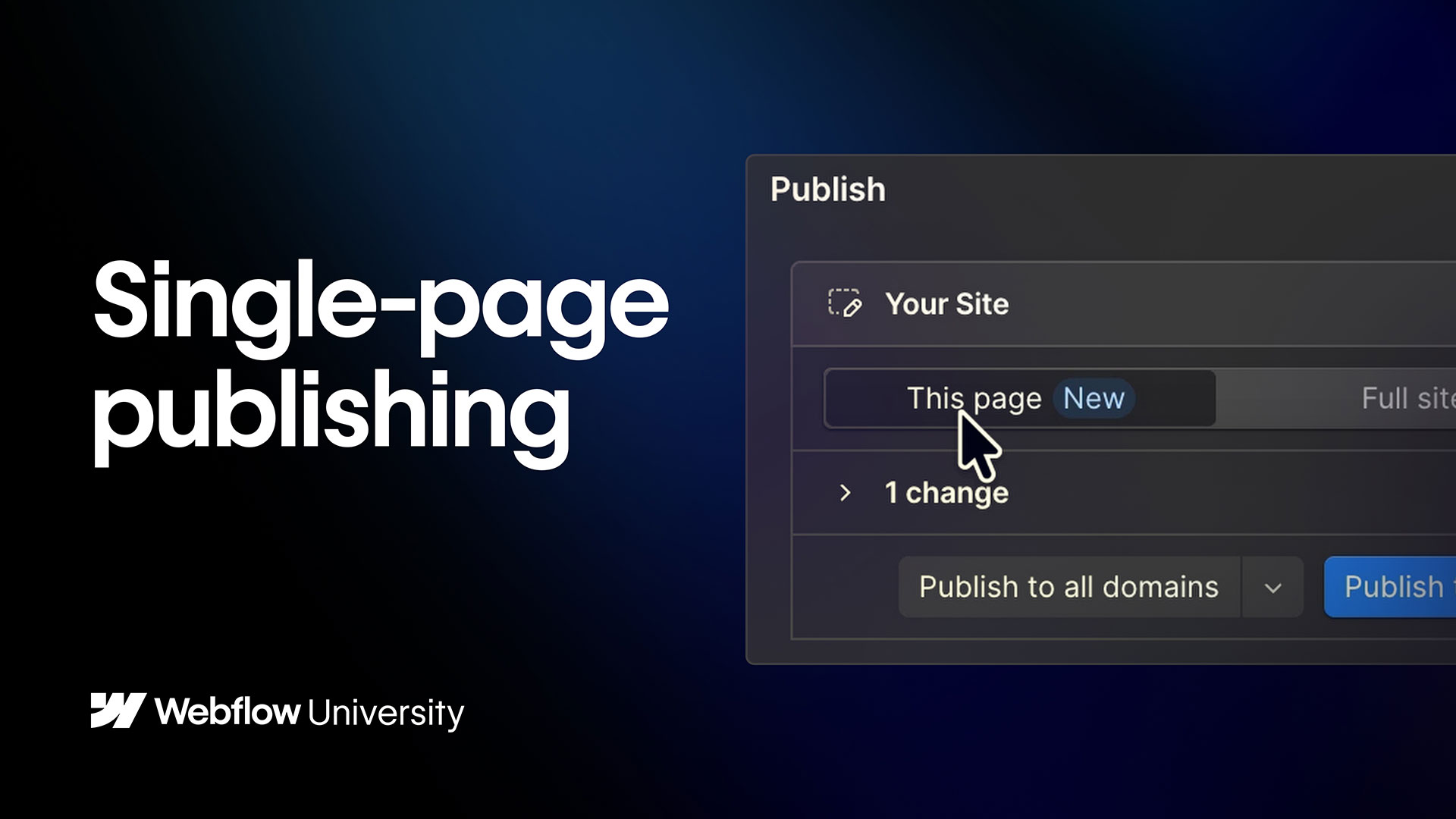
To do this, let's go up to Publish. Right away, we can see on the left a summary of all of the unpublished changes. If we want more detail, we can click on each change type to see exactly what those changes are in the Site Activity Log.
But once everything's good to go, it's time to publish to staging. And we have a couple of options here: we can publish this page, or we can publish the entire site to staging.
Publishing this page is useful when you need to move one page forward without including unfinished work elsewhere on the site. Say your pricing page needs an urgent update, but your team is still making changes to other pages. You can publish just the pricing page to staging, test it on its own, and leave everything else where it is.
But in our case, we want to publish multiple changes across our site, so let’s publish the full site.
Now our updates are live on our staging domain. They're no longer listed under "Your Site" since they've already been published to staging. And Webflow even shows that I was the one who published to staging.
So now that we published our changes to our staging domain, we can test user accessibility, check compatibility across different browsers and devices, and make sure everything looks and works as expected.
If new changes are made afterward, they'll appear as separate updates, ensuring full visibility and control over what's being tested.
But once the site is good to go, then we can move onto the final step: publishing to production.
From the publishing modal, click "Publish to production." And those changes under staging move to our live site, while keeping any in-progress updates separate. That means if new edits were made in the Designer while we were testing in staging, they won't be published yet.
But our site is now live in production with the exact changes we reviewed and tested in staging.
[Miguel] Don't worry Curtis. I've already published the site. You're welcome.
[Curtis] Let's recap.
Your changes appear in the "Your Site" section.
Publishing this page or the entire site to staging makes them live on your staging site.
Once things are good to go on the staging site, publishing to production pushes those changes to your live site, available for the world to see.
Be sure to check out Webflow University and the Help Center to learn more about staging and publishing, and about other publishing and collaboration features.
That's a high-level overview of the Enterprise publishing workflow in Webflow.
.jpg)