Site roles in Webflow
Roles and permissions in Webflow make sure everyone on your team has the access they need—without the things they don’t. We’ll go over where to assign roles, the different site roles, and how seat types determine what roles someone can have.
Video transcript
Site roles in Webflow control what different people can do on a specific site. While workspace-level roles determine overall access to your Webflow workspace, site roles let you get more specific about permissions on a per-site basis.
The main site roles in Webflow are Admin, Designer, and Content Editor. Admins have full access to site settings, publishing, and all Designer functionality. Designers can build and edit in the Designer but may have limited access to certain admin settings. Content Editors can only access the Webflow Editor — the simplified interface for updating text, images, and CMS content — without touching the design.
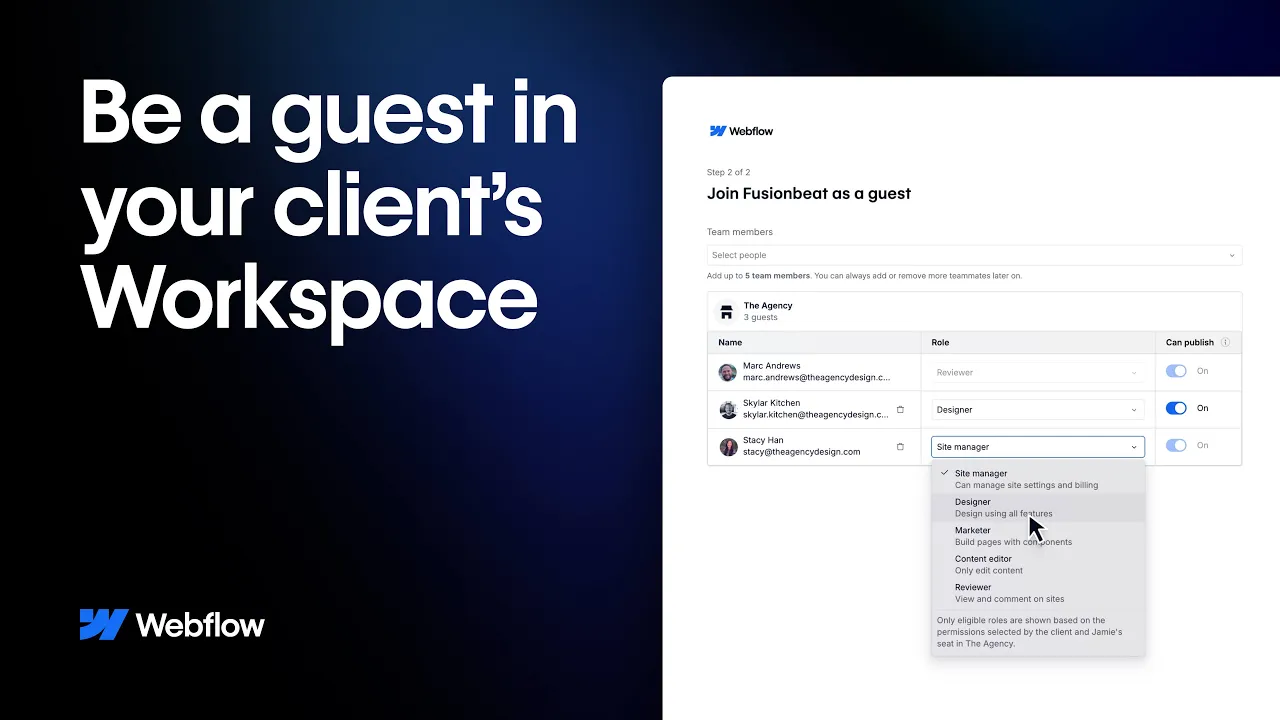
You assign site roles when inviting someone to a site. From the site's share settings, you can invite collaborators and choose their role. The Guest role is also available for people who need site-specific access without being full workspace members.
On Enterprise plans, you have access to more granular controls — including the ability to restrict access to specific pages, collections, or locales within a site. This lets you scope a team member's permissions to exactly what they need, without giving them access to everything.
Understanding site roles is important for teams that want to collaborate safely — making sure the right people can make the right changes, and that accidental edits to critical parts of the site are prevented by design.
.jpg)