Welcome & overview
Why optimization matters
Imagine a landing page gets plenty of traffic, but few visitors click the main call to action.
You could rewrite the headline, move the button, or shorten the page. But which change would actually help? That’s where optimization comes in.
Conversion rate optimization, or CRO, is the practice of improving your site so more visitors complete a meaningful action, like submitting a form, starting a trial, or making a purchase.
.png)
Webflow Optimize
Without data, site improvements can turn into guesswork. You make a change, publish it, and hope it performs better.
Webflow Optimize helps you move from guessing to learning. You can use it to:
- Test different versions of an experience
- Personalize content for different audiences
- Measure how each experience performs
- Use AI Optimize to adapt delivery over time
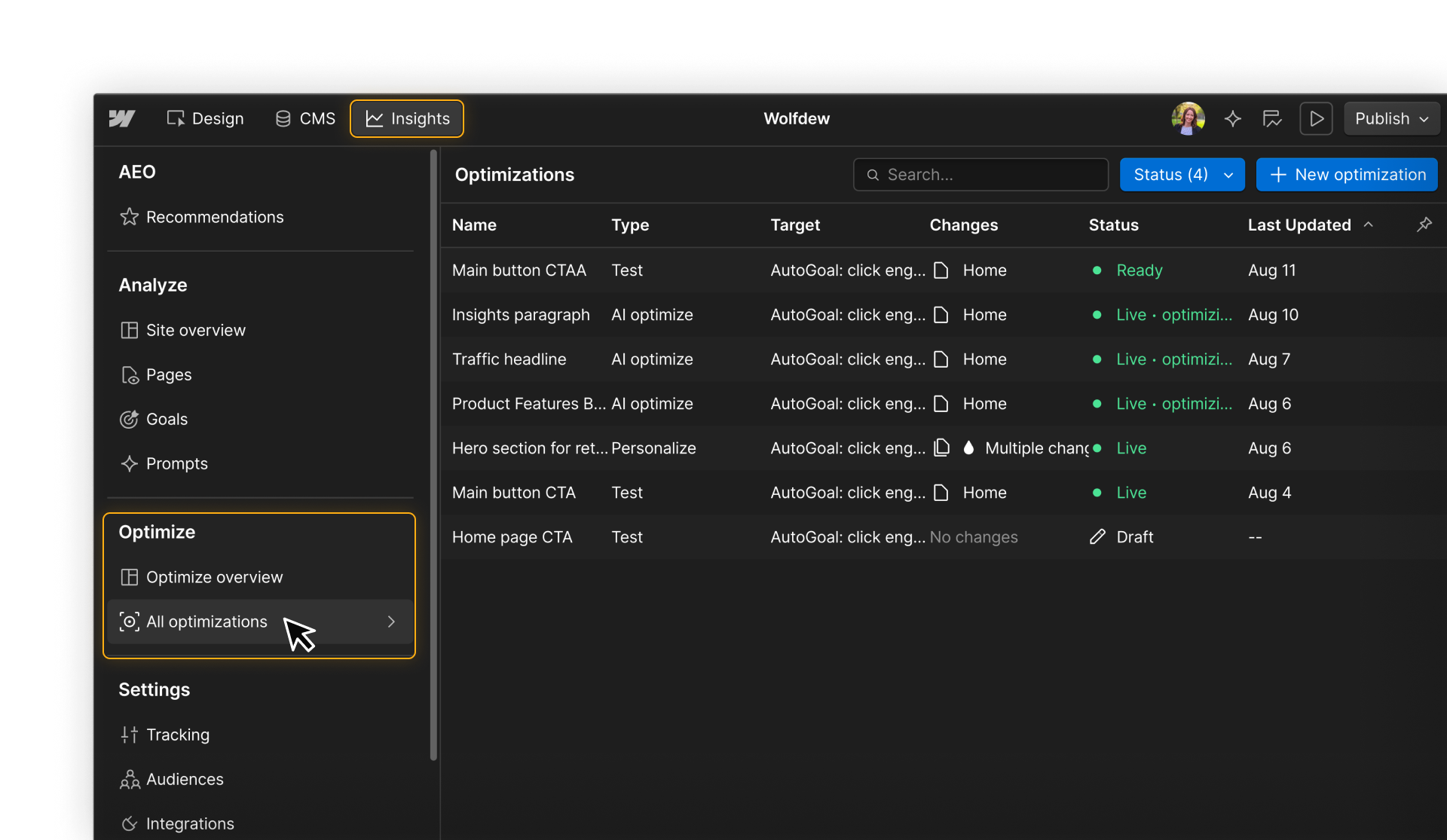
This course will show you how to set up Optimize, find high-impact opportunities, build and launch optimizations, and use the results to decide what to do next.
Who this course is for
This course is for anyone responsible for improving the performance of a Webflow site, including marketers, designers, growth teams, and site owners.
You don’t need previous experience with experimentation, CRO, or personalization. We’ll introduce the core concepts as you use them.
It helps to be familiar with the Webflow canvas, publishing, and basic site management. If you’re new to Webflow, start with the Getting started with Webflow course.
What you’ll learn
This course covers the full process of planning, building, and evaluating optimizations in Webflow. You’ll learn how to:
- Set up the tracking, data, audiences, and goals Optimize relies on
- Find and prioritize opportunities worth improving
- Choose when to test, personalize, or use AI Optimize
- Build, QA, and launch optimizations
- Interpret results and monitor performance over time
By the end, you’ll be able to take an idea for improving your site and turn it into a measurable optimization you can launch and learn from.
Ready to dive in?
Continue on to the next lesson to get a closer look at how Optimize fits into the broader optimization workflow.
Need help finding your way around? Learn how to navigate Webflow University lessons, courses, and learning paths, including how to mark items complete.