Intro to Optimize
From guessing to learning
Your website is there to drive results. Maybe you want more visitors to sign up, request a demo, make a purchase, or complete another meaningful action.
The challenge is knowing which changes will actually help.
Without data, it’s easy to choose a headline, layout, or call to action based on preference and hope it performs better. Webflow Optimize gives you a way to learn from real visitor behavior instead.
You can try different experiences, measure how visitors respond, and use what you learn to make more informed decisions about your site.
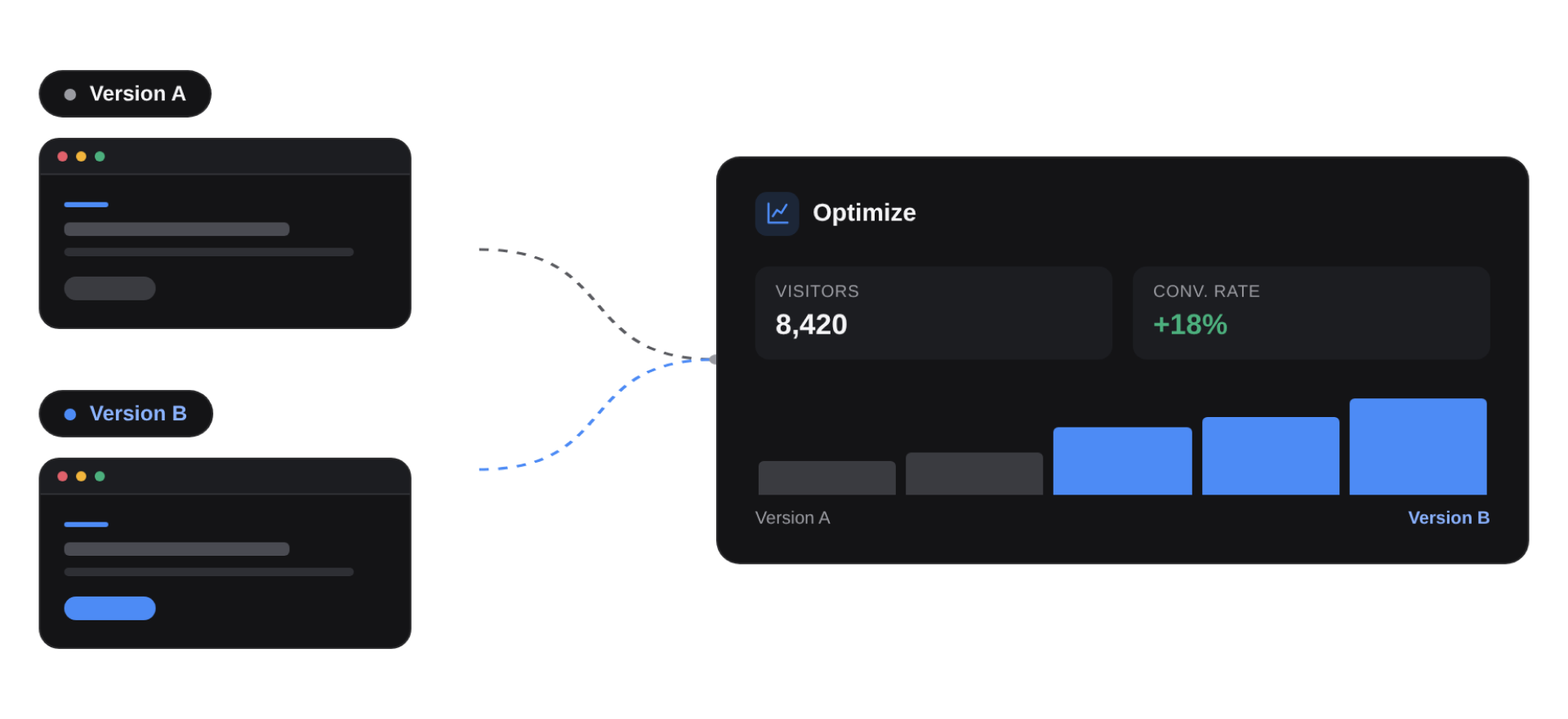
Instead of asking, “Which version do we like?” you can ask, “Which experience helps us reach our goal?”
Optimization is a cycle
Optimization isn’t usually a one-time project. It’s an ongoing cycle:
- Find an opportunity. Identify something on your site that could perform better.
- Try an idea. Create a different version or experience.
- Measure the response. See how visitors behave against the goal you care about.
- Learn and improve. Use the result to decide what to keep, change, or explore next.
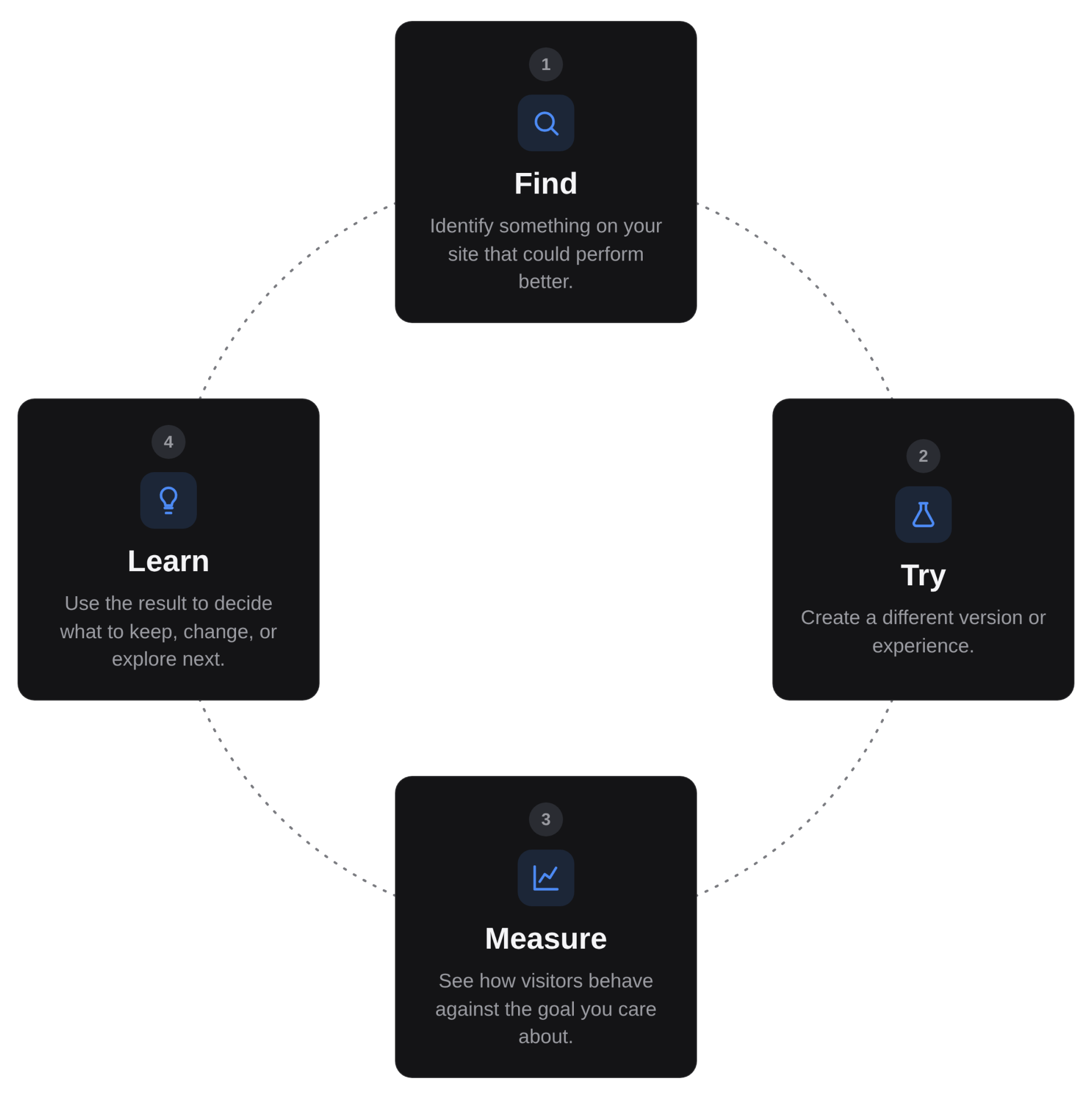
Each optimization gives you new information about your visitors. That learning can shape the next idea on your roadmap, so your decisions get more informed over time.
Give Optimize the right foundation
Before Optimize can measure anything, it needs information about what visitors do on your site.
That starts with tracking, which collects visitor behavior. You can also connect other data sources your team uses to give Optimize more context.
You’ll learn how to set up this foundation in the next section, including:
- Tracking and consent: Collect visitor behavior and decide how tracking should work based on your privacy and consent setup.
- Connected data: Bring in information from tools like analytics platforms, CRMs, and other systems to expand what Optimize can measure and target.
- Audiences: Define groups of visitors based on signals like campaign source, device, behavior, or connected data.
- Goals: Define the actions that matter most so Optimize knows what success looks like.
We’ll cover this in more detail in the next section. For now, just remember that Optimize relies on data to understand who is visiting, what they do, and whether an experience is helping you reach your goals.
Ready to keep going?
Now that you know how Optimize turns ideas into an ongoing cycle of learning, continue on to the next lesson to learn when to use testing, personalization, and AI Optimize.