Background & preview
You might be working with an existing site that already has brand colors, reusable classes, and components. Or you might be starting a new site and deciding how to set things up, or be somewhere in between.
Wherever you’re starting, a design system gives you a foundation to build on, so each new page can make use of the work you’ve already done.
Design systems
A design system brings together the reusable pieces, standards, and guidance your team builds with. In Webflow, that includes variables, styles, components, and page templates, plus guidance about how to name classes or choose a component.
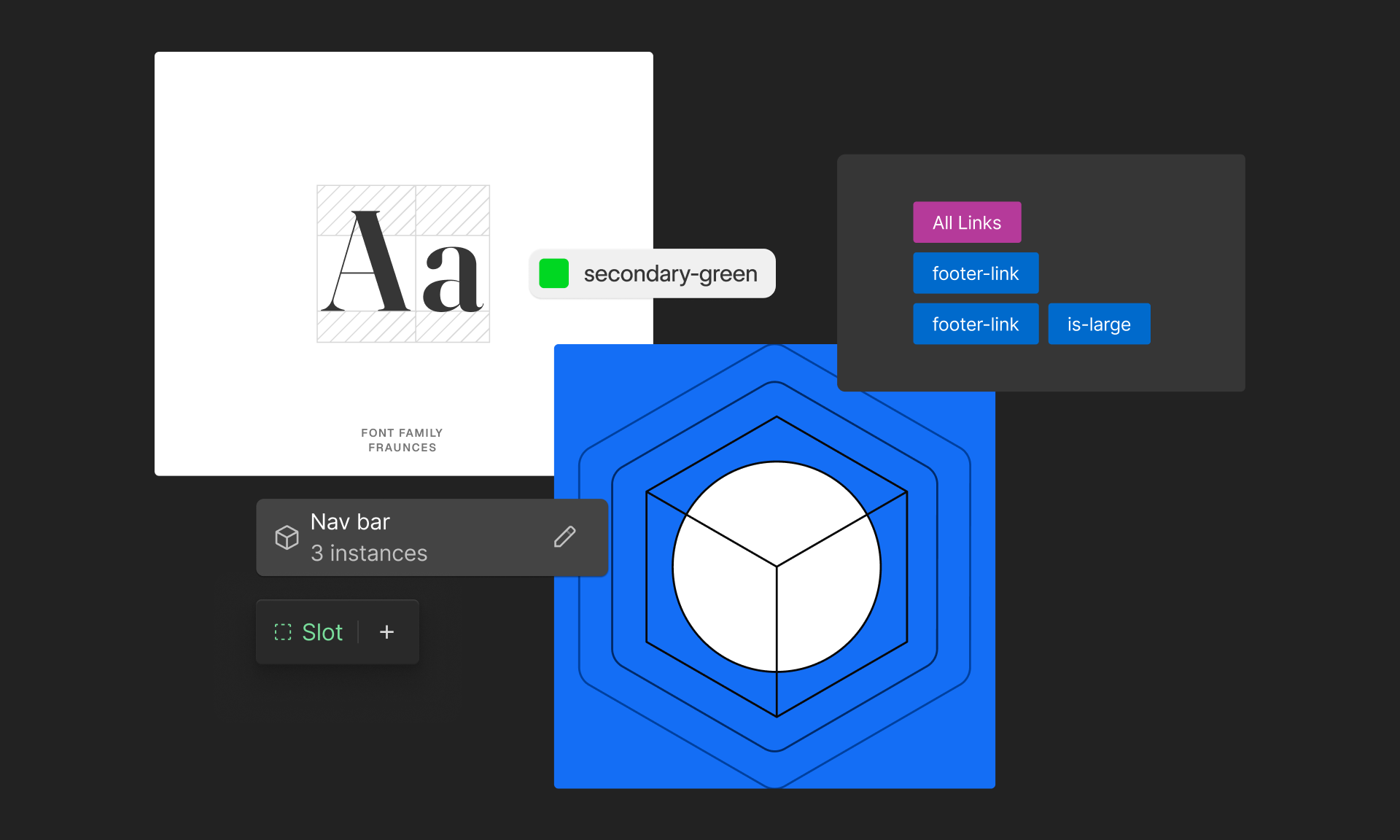
Your design system can go beyond Webflow too, with things like accessibility standards, motion guidelines, Figma resources, and guidance for reviewing changes as a team.
Style guides
A style guide is a reference for the standards in your system. It gives your team a place to see what’s approved and understand how to use it, including:
- Brand colors and where to use them
- Typography and spacing examples
- Button styles and their states
- Components and their approved variations
- Guidance about how to use those pieces
Create a style guide page, a component reference page, or both. Keep them in draft so your team can build, review, and refine examples without publishing the reference pages to visitors. Keep the examples and guidance current as the system changes.
If your team manages several sites, you can use a dedicated internal design system site and share its supported resources through a Shared Library.
Build for your team & agents
A design system gives your team reusable pieces to build with, so they can create new pages without recreating every button, card, or section.
The same goes for AI agents connected through Webflow MCP. An agent can build with your existing components, styles, and variables. Clear organization and guidance help both your team and agents find those pieces and use them consistently.
Who this course is for
This course is for Designers and Site managers who build, own, or contribute to a design system. You’ll explore both what you can build and how to prepare it for your team to use.
To try the examples, you’ll need Designer or Site manager access and comfort with:
- Building and organizing elements on the Webflow canvas
- Applying classes and combo classes
- The basics of components
AI/MCP workflow callouts appear throughout. Having a connected agent helps you try those examples, but it isn’t required.
What you’ll learn
Whether you’re building a new system or improving an existing one, you’ll learn how to:
- Explain how the parts connect and what updates when you change them
- Create and organize variables with clear naming, and use modes and functions
- Choose properties, variants, or slots to make components flexible
- Prepare components and page templates for marketers to reuse, including components in CMS rich text
- Bring an existing site into your system gradually
- Share and maintain your system with Shared Libraries, and use Agent Instructions to guide agents and review their work
Ready to continue?
Continue to the next lesson to see the parts of a design system working together in Webflow.