All coursesIntro to Webflow integrations
How Webflow connects to other tools
We’re transitioning to a new UI, and are in the process of updating our Webflow University courses and videos.

How Webflow connects to other tools

Review the kinds of problems integrations solve and how Webflow connects to other systems.

How Webflow connects to other tools

Review the kinds of problems integrations solve and how Webflow connects to other systems.

The kinds of problems integrations solve

When teams connect Webflow to other tools, they're usually trying to solve one of three things.

1. Getting data out of Webflow 

For example:

  • Sending form submissions to a CRM
  • Sending CMS content to analytics or marketing tools
  • Triggering notifications or workflows elsewhere
Webflow site sending data to CRM, analytics, and messaging platform integrations.

2. Getting data into Webflow

For example:

  • Creating or updating CMS items from another system
  • Syncing content from a database or spreadsheet
  • Updating metadata or assets automatically
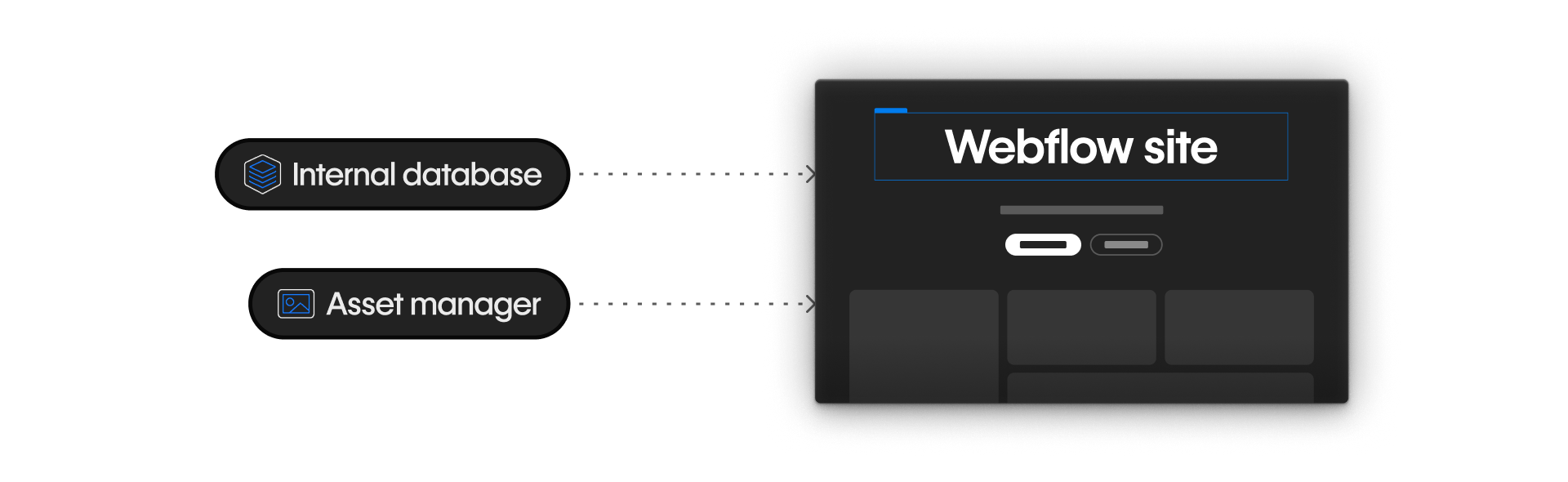
Webflow site pulling data from internal database and asset manager integrations.

3. Keeping systems in sync

For example:

  • Making sure the same content exists in multiple places
  • Updating records when something changes in Webflow or another tool
Webflow site syncing data with an internal database through an API connection.

While the tools and workflows vary, the goal is always the same: move data reliably between Webflow and other systems.

The three main ways Webflow connects outward

In practice, there are three primary ways Webflow connects to other tools:

Apps

Prebuilt integrations from the Webflow App Marketplace. Apps guide setup, manage permissions, and are often the fastest and safest place to start.

Webflow Apps marketplace page with search bar, categories, and featured integrations like Stripe, Zapier, and HubSpot.

No-code automation platforms

Tools like Zapier or Make that let you define trigger → action workflows visually. They offer more flexibility than apps without requiring changes to your site.

Zapier website showing Webflow connected to apps like Mailchimp, Slack, HubSpot, and Google Sheets.

Custom API integrations

Programmatic connections that give the most control and customization. These are typically built and maintained by developers or engineers.

API documentation showing GET request and sample JSON response for workspace audit log data.

All three approaches solve the same job — connecting systems — but at different levels of control and responsibility. You’ll see these three options come up again and again throughout the course, because they’re the foundation for most real-world Webflow integrations.

Where to find existing integrations

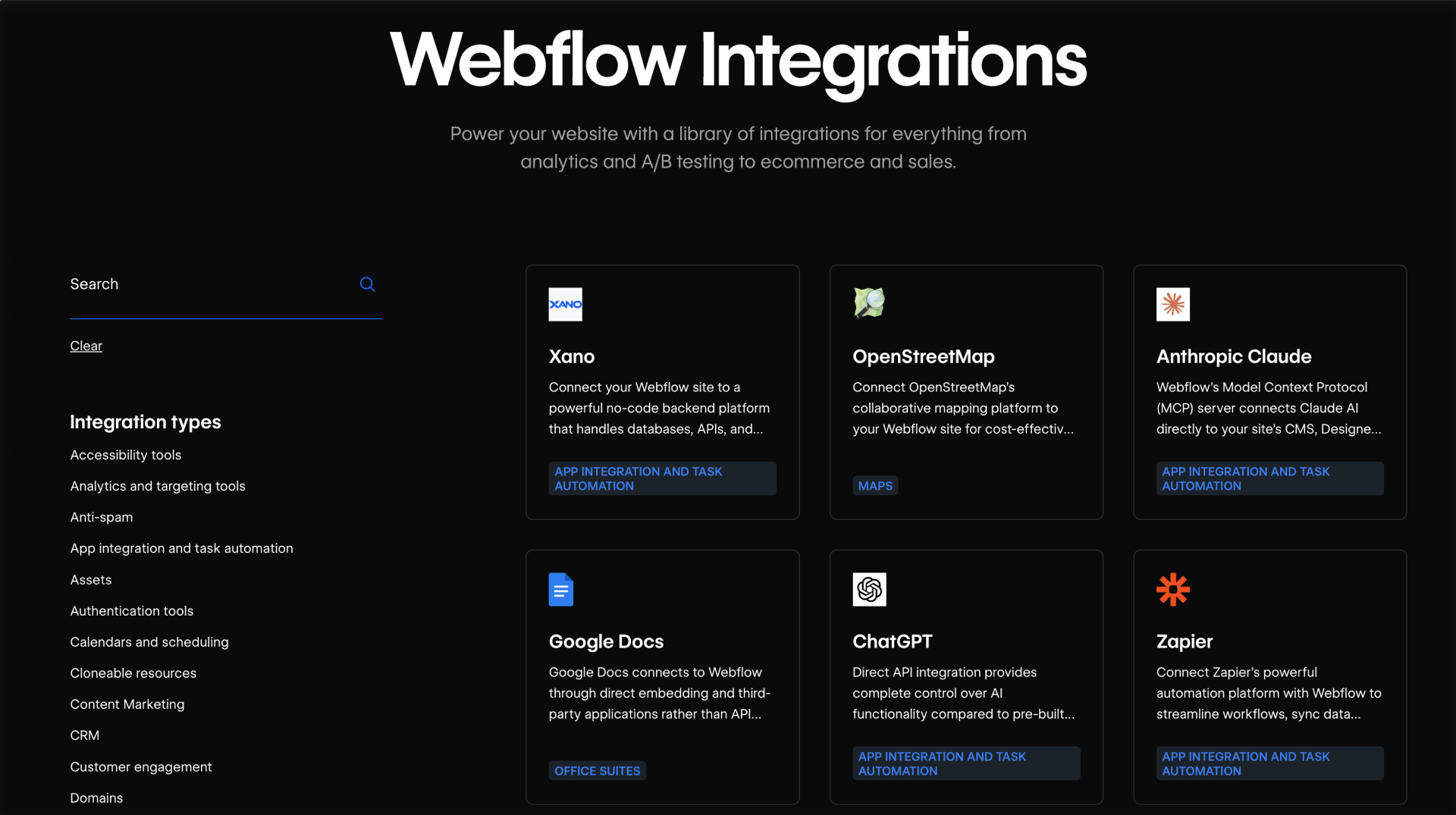
Before building anything, it's worth seeing what already exists. The Webflow Integrations page brings together Marketplace Apps, automation options, and supported connections in one place. It iis a good first stop when you're scoping an integration need.

Some integrations may begin as simple scripts or embeds. But as they become more important or more complex, apps, automations, or even custom API integrations are often a better long-term fit.
Feeling good?

Now that you understand the types of problems integrations solve and the three main ways Webflow connects outward, let’s start with the simplest and most common path — Webflow Apps.

No items found.

1

Getting started

Coming soon

1

Background & preview
2:00
Background & preview
Coming soon

1

How Webflow connects to other tools
2:00
How Webflow connects to other tools
Coming soon

1

Choosing the right integration approach
2:00
Choosing the right integration approach
Coming soon

2

Webflow Apps

Coming soon

2

Intro to Webflow Apps
4:15
Intro to Webflow Apps
Coming soon

2

Examples & use cases
2:00
Examples & use cases
Coming soon

3

Workflow automation platforms

Coming soon

3

Workflow automation platforms
2:00
Workflow automation platforms
Coming soon

3

Designing reliable automations
2:00
Designing reliable automations
Coming soon

4

Working directly with Webflow's APIs

Coming soon

4

Intro to Webflow's APIs
Coming soon

4

Custom API integrations
2:00
Custom API integrations
Coming soon

4

Examples & use cases
2:00
Examples & use cases
Coming soon

5

Extending Webflow further

Coming soon

5

Connecting AI tools with Webflow's MCP
2:00
Connecting AI tools with Webflow's MCP
Coming soon

5

Building full-stack experiences with Webflow Cloud
2:00
Building full-stack experiences with Webflow Cloud
Coming soon

6

Wrap up

Coming soon

6

Recap & additional resources
2:00
Recap & additional resources
Coming soon

Course progress

0%

Assessment

Up next

Choosing the right integration approach

Learn how to match integration needs to the right tool before you start building.
Complete & continue
Complete course