Choosing the right integration approach
Consider this scenario
Imagine your team just launched a new lead generation page. It has a contact form, and submissions are sitting in the site settings. Someone needs to make them connected and actionable.
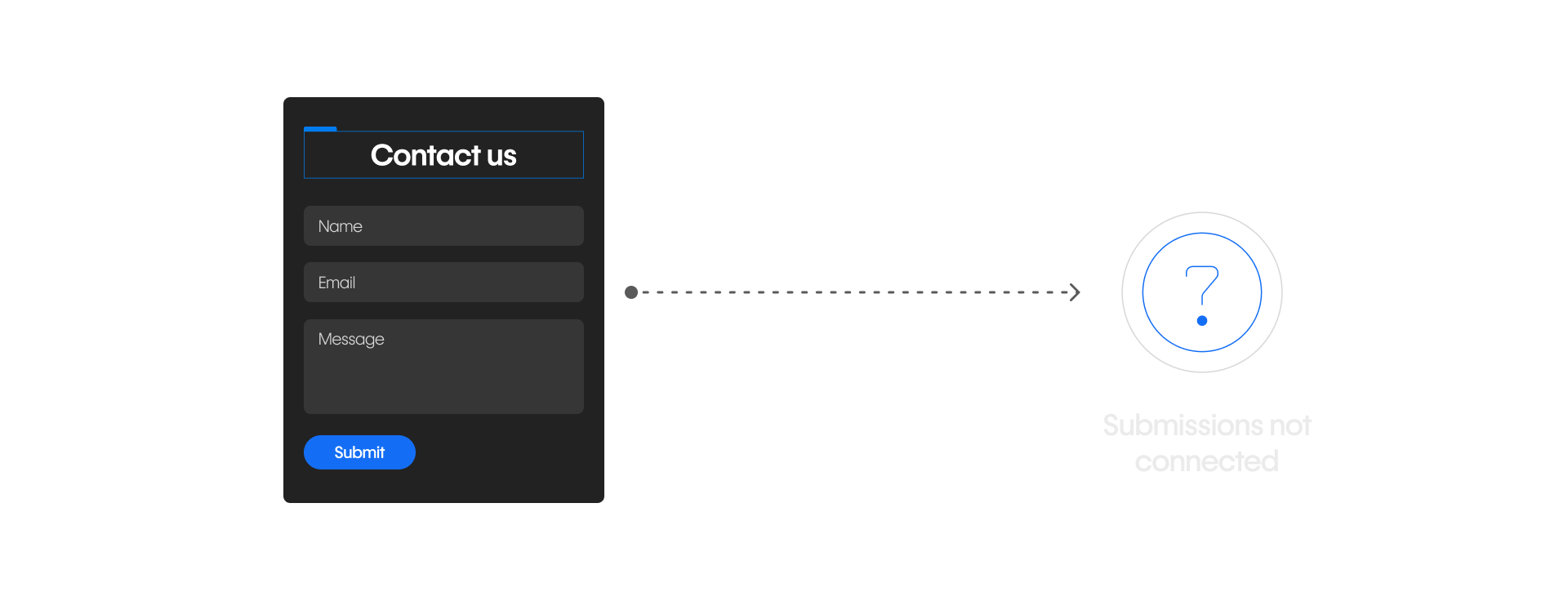
You have a few options. You could install a Webflow App that connects the form to your CRM. You could set up an automation in Zapier. Or you could ask a developer to build a custom connection using Webflow's API.
All three could work. But they're not equally appropriate for this situation.
Choosing the right approach isn't about picking the most powerful option — it's about matching the tool to the problem. Here are the three main approaches.
How to decide
When you're facing a new integration need, work through these questions in order.
- Is there already a Webflow App for this? Check the App Marketplace first. If an App exists and covers your needs, use it. Apps are the fastest path to a working integration and require the least ongoing maintenance.
- If not, is the workflow manageable without code? If the logic is straightforward and the data structure is predictable, a workflow automation platform like Zapier or Make is usually the right next step. You get more flexibility than an App, without needing engineering support.
- If not, does this need custom engineering? High-volume syncing, proprietary systems, complex logic, or anything that would make an automation fragile: these are signals that a custom API integration is the right call. That means involving a developer, and it means taking on more responsibility for implementation and maintenance.
Most teams don't choose one approach and stay there. It's common to start with an App, add automations as needs grow, and bring in custom integrations when scale or complexity demands it. That progression is normal — and healthy.
Back to the scenario
So, back to the contact form. Submissions need to reach your CRM.
.png)
- Does an App exist for your CRM? Check the Marketplace. If yes — start there.
- If not, can you map the form fields to CRM fields and set up a trigger in Zapier or Make? If the workflow is simple and the volume is manageable — that's your answer.
- If neither of those works, it's time to bring in a developer.
In this case, there's a good chance an App or automation handles it cleanly. That's exactly the kind of workflow these tools are designed for.
A quick reference
Webflow Apps
- Setup: Guided, inside Webflow
- Flexibility: Low – medium
- Maintenance: Managed by the App
- Engineering required: No
- Best when: A prebuilt App already exists for what you need
Automation platforms
- Setup: Visual, no-code
- Flexibility: Medium
- Maintenance: Managed by you
- Engineering required: No
- Best when: The workflow is custom but manageable without code
Custom APIs
- Setup: Coded, by a developer
- Flexibility: High
- Maintenance: Managed by your team
- Engineering required: Yes
- Best when: You need scale, control, or custom logic
Tip: Start with the simplest solution that reliably solves the problem. Add complexity only when you have a clear reason to. A well-configured App will almost always serve a team better than an under-resourced custom integration.
Where AI tools fit
There's another option worth knowing about — connecting AI tools like Claude or ChatGPT to Webflow through something called the Model Context Protocol (MCP).
This isn't a replacement for Apps, automations, or APIs. It's a way for AI tools your team already uses to interact with structured Webflow data in a controlled, permissioned way.
We’ll cover this a little more later in this course. For now, just know it exists and that it sits alongside the three main approaches rather than replacing any of them.
Pause and reflect
Think about a site you're currently working on. Is there a workflow that currently requires manual effort? Data that lives in two places? A tool your team uses that isn't connected to Webflow?
Keep that workflow in mind as you move through the course. By the end, you'll have the vocabulary and the framework to decide exactly what to do with it.
Ready for more?
Now that you have a framework for choosing the right approach, the next three modules go deeper on each one — starting with the simplest: Webflow Apps.