Background & preview
Connecting Webflow to other tools and systems
Webflow is powerful on its own. But most real-world sites don't operate in isolation.
Most organizations rely on a collection of specialized tools rather than a single platform that does everything. A marketing team might use Webflow to build and manage their site, a CRM to track leads, an email platform to run campaigns, an analytics tool to measure performance, and a project management tool to coordinate work.
These tools are most useful when they share information. A form submission in Webflow becomes a lead in the CRM. A published blog post triggers a notification in Slack. A product update in an internal database reflects automatically on the site.
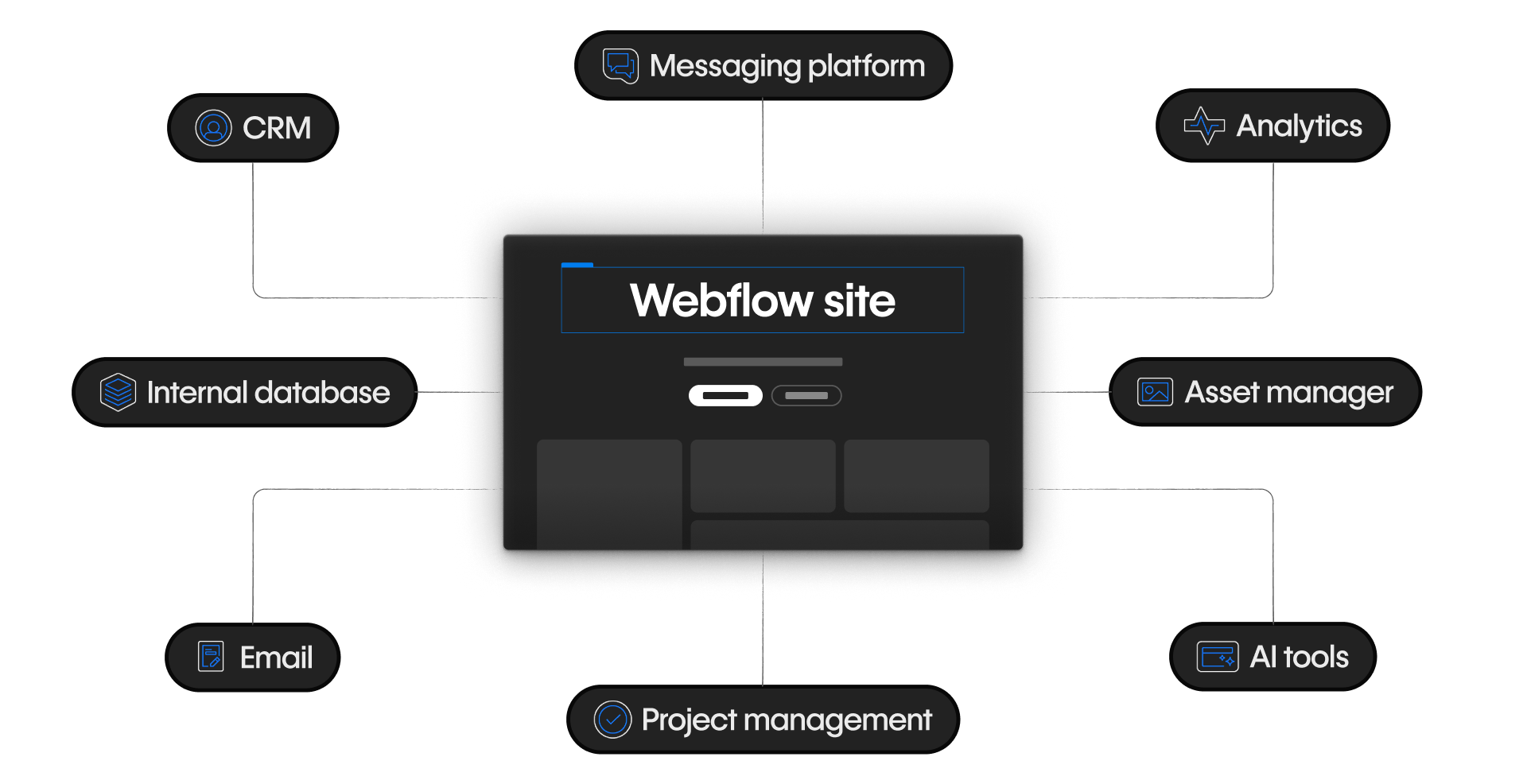
Making those connections work reliably, and without manual effort is what integrations are for. When systems don't connect, someone fills the gap manually. And that gets old fast.
This course is about understanding how Webflow fits into that larger ecosystem — and how to connect it to other tools responsibly.
Who this is for
This course is designed for Webflow designers and site managers who:
- Build and manage sites in Webflow
- Work with CMS content, forms, and site settings
- Collaborate with engineers but aren't engineers themselves
- Want to make informed decisions about integrations without needing to build them from scratch
If you're brand new to Webflow, it's worth starting with Welcome to Webflow or Getting started with Webflow before diving in here.
What you'll learn
By the end of this course, you'll be able to:
- Explain how Webflow connects to external tools using Apps, automations, and APIs
- Choose the right integration approach based on your needs
- Install and manage Apps from the Webflow App Marketplace
- Recognize when an automation platform is the right tool, and how to design one that holds up
- Understand what custom API integrations involve and when to bring in engineering
- Have more informed, productive conversations with the technical people you work with
What this course focuses on
This course focuses on understanding and evaluating integration options, not on building backend services or custom applications from scratch.
If you're looking to build Webflow Apps, write Designer Extensions, or architect complex API systems, those topics are better covered in Webflow's developer documentation and other resources at developers.webflow.com.
Ready to dive in?
Click Continue to next lesson to head to the next lesson, where we'll review the kinds of problems integrations solve and how Webflow connects to other systems.
Need help finding your way around? Learn how to navigate Webflow University lessons, courses, and learning paths, including how to mark items complete.