Agency or Freelancer Guest role
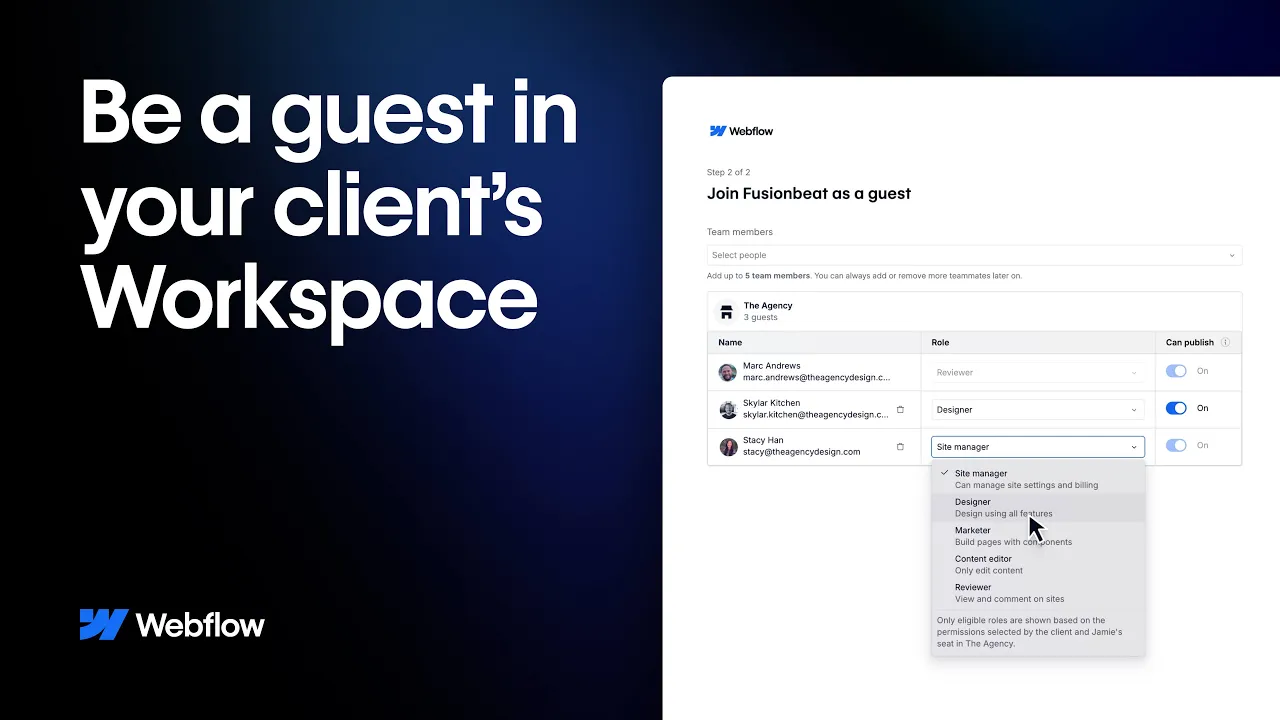
Agency or Freelancer Guest in Webflow allows your client to invite you to their Workspace as a guest so you can build and maintain their sites from there. You will have full design, DNS, and publishing access to any new and existing sites in their Workspace so when changes or updates are needed you can handle it without the need to transfer sites or share passwords.
Video transcript
The Agency or Freelancer Guest role in Webflow is a way to give an external collaborator — like a freelance designer or an agency partner — access to a specific client site without adding them as a full Workspace member. Guests can be invited to individual sites, and their access is scoped to only those sites.
This is particularly useful for agencies managing client sites, where the client wants their own design partner involved in the project. You can invite the agency or freelancer as a Guest, set their site-level role (Designer or Content Editor), and they can work within that site without seeing anything else in your Workspace.
Guest access is managed from the site's share settings. You can revoke access at any time by removing the Guest from the site.
.jpg)