Introducing Webflow Optimize
Your website exists to do more than just look pretty. You need it to convert, drive results, and deliver a personalized experience for your different customers segments.What is Webflow Optimize?Optimize is Webflow's integrated test and personalization solution that uses the power of AI to supercharge and automate testing and personalization. You can seamlessly run A/B/n tests, or manually personalize your site's experience for different customer segments.But with Webflow Optimize, you can also use AI Optimization to automate the process of personalizing and testing different variations at scale — quickly test LOTS of variations and combinations of variations, while AI Optimize automatically identifies unique audiences and delivers the experiences that maximize conversions.
Video transcript
Webflow Optimize is Webflow's built-in A/B testing and personalization tool. It lets you run experiments on your site — testing different versions of content, layouts, and calls to action — and use the results to optimize for what actually works best for your visitors.
The core idea behind Optimize is that you don't have to guess what resonates with your audience. You can create variants of a page or element, show different versions to different visitors, and let the data tell you which one performs better.
Optimize supports three types of experiences. A/B tests split traffic between variants and measure which one wins based on a goal you define — like a click, a form submission, or a purchase. AI optimize uses Webflow's machine learning to automatically shift traffic toward the best-performing variant over time. And personalization lets you show specific content to specific audience segments based on attributes like device type, location, or referral source.
Setting up an experiment starts with choosing what you want to change — a headline, a button, an entire section — and creating variants. You define your goal, set your audience, and launch. Webflow tracks the results and surfaces insights in the Optimize dashboard.
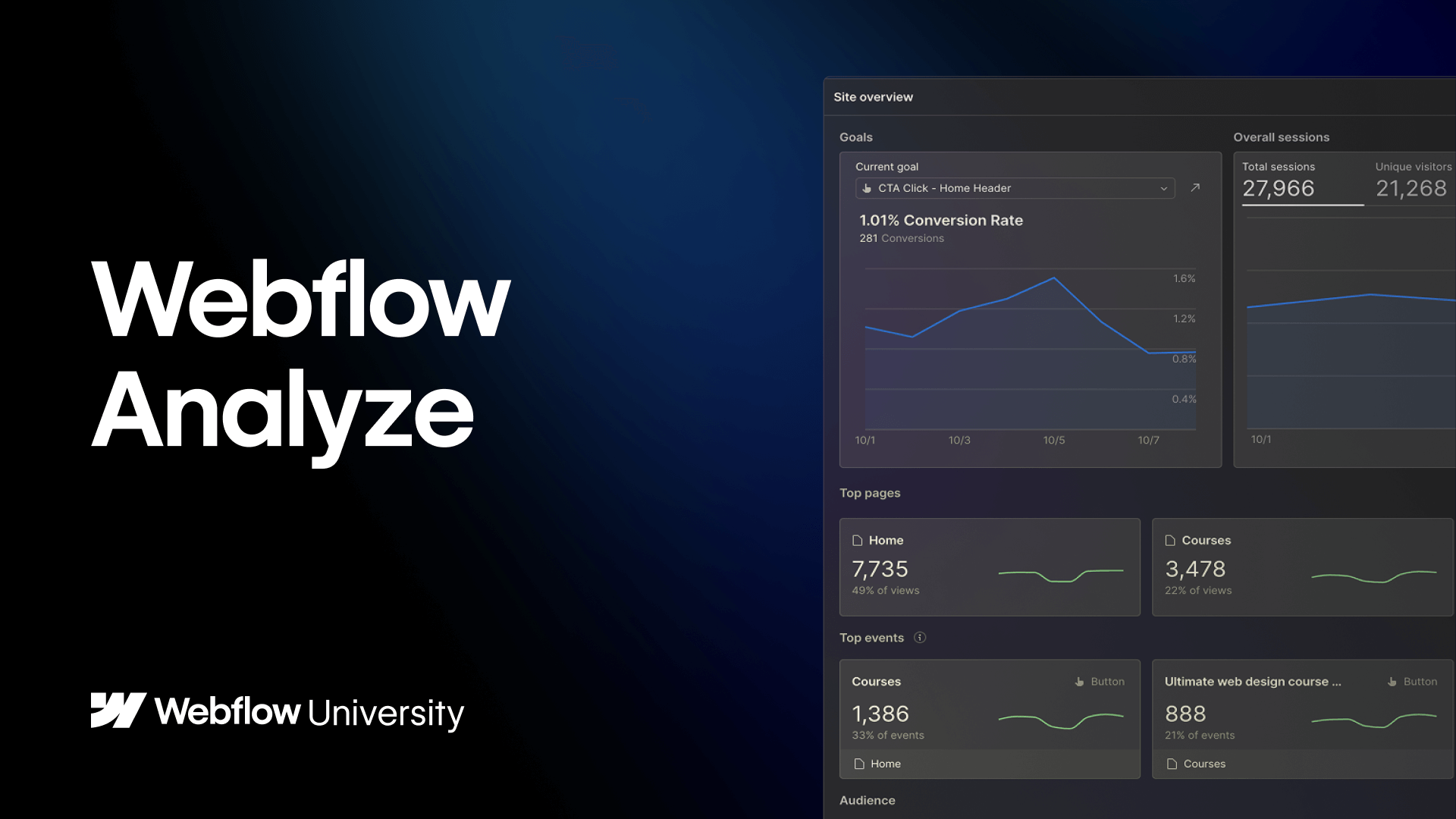
Optimize integrates with Webflow Analyze for tracking, and it works directly within the Webflow interface, so there's no external tool to set up or maintain.
It's available on paid Webflow plans — check the Webflow pricing page for current details on which plans include Optimize.