Intro to the Webflow CMS
Learn how to scale your website's content dynamically with the Webflow CMS. In this lesson, we’ll break down the difference between static and dynamic content, explore the structure of the CMS, and show you how to integrate dynamic content into your designs with Collection Pages and Lists. From managing blog posts to creating portfolios and customer stories, the Webflow CMS helps you stay organized and efficient.
Video transcript
The Webflow CMS lets you create structured content that can power dynamic pages, collections, and repeated elements across your site. In this video, we'll cover the basics: what the CMS is, how collections work, and how to connect your content to your design.
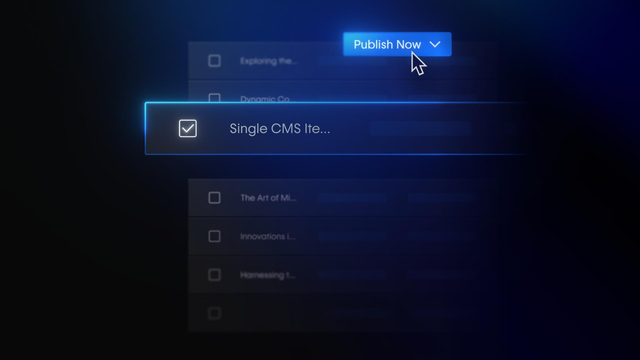
At its core, the CMS is a content database. You create a Collection, which is like a content type — for example, a Blog Posts collection or a Team Members collection. Each collection has fields that define the structure of that content — things like a title, a body, an image, a date, a category. Then you create items inside that collection — each item is one piece of content, like a single blog post or one team member.
Once you have a collection set up, you can use it in two main ways. First, you can create a Collection Page — a dynamic template page that automatically generates a unique page for each item in your collection. So if you have 20 blog posts, Webflow creates 20 pages from one template. Second, you can add a Collection List to any page, which pulls in multiple items from a collection and displays them in a repeated layout — great for grids, feeds, or index pages.
To connect your design to the CMS, you use dynamic binding. Click on an element inside a Collection List or Collection Page, and in the Settings panel you can bind it to a field from your collection. So a heading might be bound to the Title field, an image to the Image field, and a paragraph to the Body field. When the page renders, Webflow fills in the real data for each item.
The CMS is one of the most powerful parts of Webflow — it lets you build scalable, content-driven sites without duplicating work. Once you understand how collections, items, and dynamic binding fit together, you'll be able to build a lot with it.