Welcome to Webflow
What if your entire web experience could move as fast as your business? Webflow brings together designers, marketers, developers, content teams, and AI agents into a single, unified platform, so you can go from idea to live experience without friction. Build visually or with AI, using the Webflow AI Assistant or Webflow MCP server. From content management to real-time collaboration, from seamless integrations to enterprise-grade hosting, Webflow gives you the power to launch faster and keep improving long after you go live.
This is more than a website builder. It’s the foundation for how modern teams create, manage, and grow on the web.
Video transcript
Welcome to Webflow, the agentic platform where marketers, designers, developers, content teams, and AI agents come together to build, manage, and optimize your business's web experiences.
In this video, we'll cover what building your business on Webflow actually looks like, starting from the beginning.
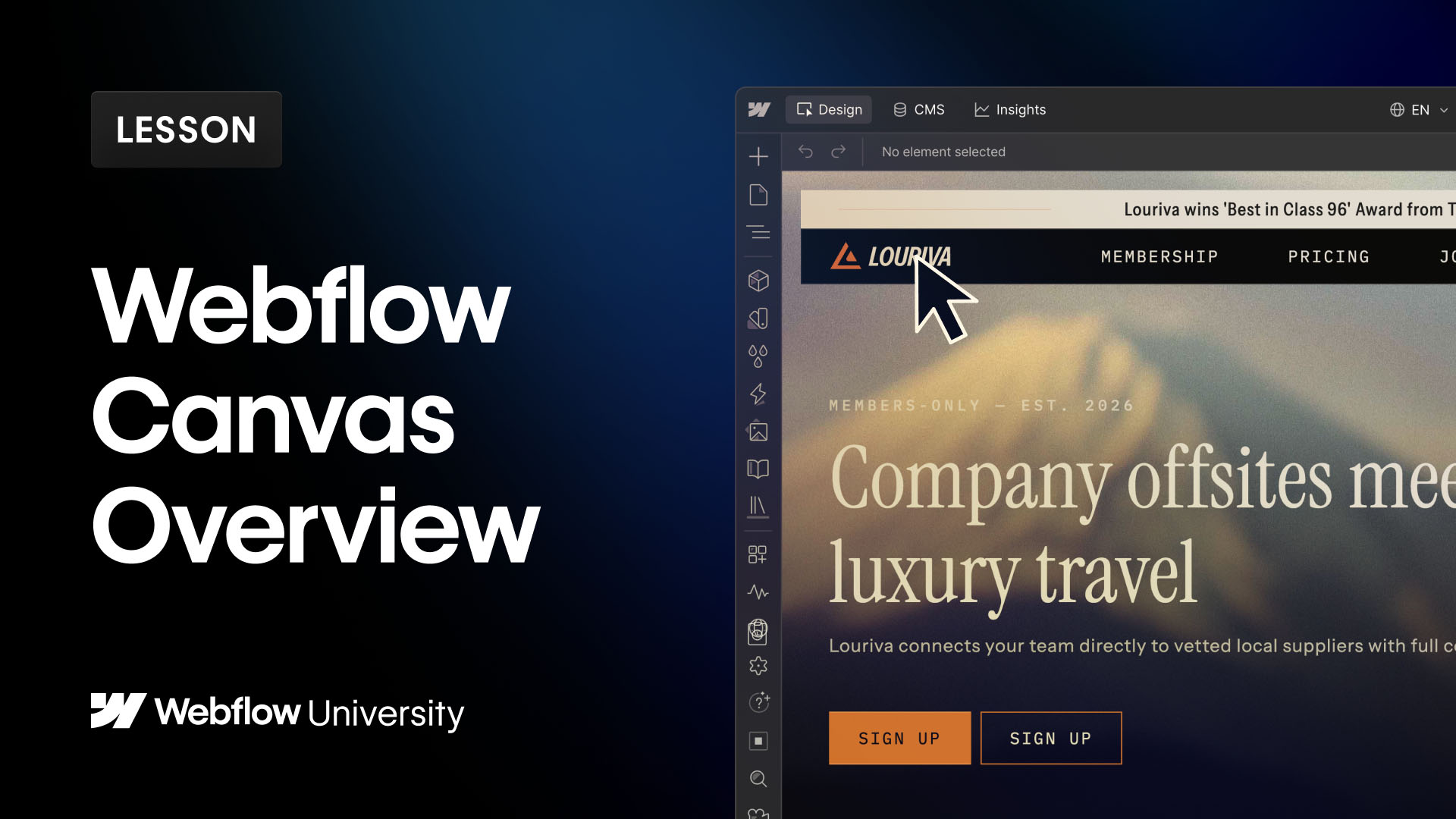
In Webflow, you can work visually on the canvas or use the AI Assistant and MCP server to build sections, update styles, and even prompt full-page builds in natural language prompts. And it's all built from a design system you define: your styles, components, even agent instructions. Keeping every build on-brand automatically. And when you're ready to bring your site to life, you can use GSAP-powered interactions to implement engaging and efficient animations.
But what about content? The Webflow CMS keeps your content organized as you grow. So whether you have blog posts, case studies, product features, or even all of the above, you can manage your content in one place and reuse it everywhere on your site. And AI agents can also work directly in your CMS too, creating and managing content through governed workflows built for enterprise scale.
But none of this lives with just one person. That's why role-based permissions empower every role (designers, marketers, content editors, developers, reviewers) to do their own work in the canvas or alongside AI agents within the right guardrails. Everyone collaborates in real time on the same source of truth.
And when you're ready, you can review everything in a private staging environment and then publish for the whole world to see. You can choose to publish the entire site, a single page, or even just a single CMS item, all backed by secure, reliable, enterprise-grade hosting that's managed for you.
But your site doesn't live in isolation. That's why Webflow connects to other tools your business needs, like CRMs, analytics, and marketing automations. Teams can install integrations, build workflows with APIs and webhooks, and extend functionality with custom code. And for even more custom functionality, Webflow Cloud lets your developers build and deploy dynamic app experiences right alongside your site.
Once you're live, Webflow helps you continuously measure and improve your experiences. Here's how:
Built-in SEO and AEO tools make sure people and LLMs can actually find, understand, and cite your content. Directly in Webflow, agents will recommend improvements for things like metadata, alt text for images, and schema markup.
Next, Analyze gives you rich insights into visitor behavior: click maps, conversion data, the whole enchilada.
"Enchilada?" Really...?
Plus visibility into how AI bots find and interact with your site.
And with that data, you can use Optimize to help you test and improve with AI-driven insights.
And finally, Localize makes it easy to adapt your site for different languages and regions. Whichever route you go, Webflow makes sure your site and your business never stops growing.
But that's Webflow: everything you need to build, manage, and scale the web experience your business runs on, with your whole team and AI working side by side. We can't wait to see what you build.