Webflow MCP: Build an FAQ accordion with Claude
In this video, we demonstrate how to build an FAQ accordion section in our Webflow site using Webflow MCP and connecting Claude as our agent.
Video transcript
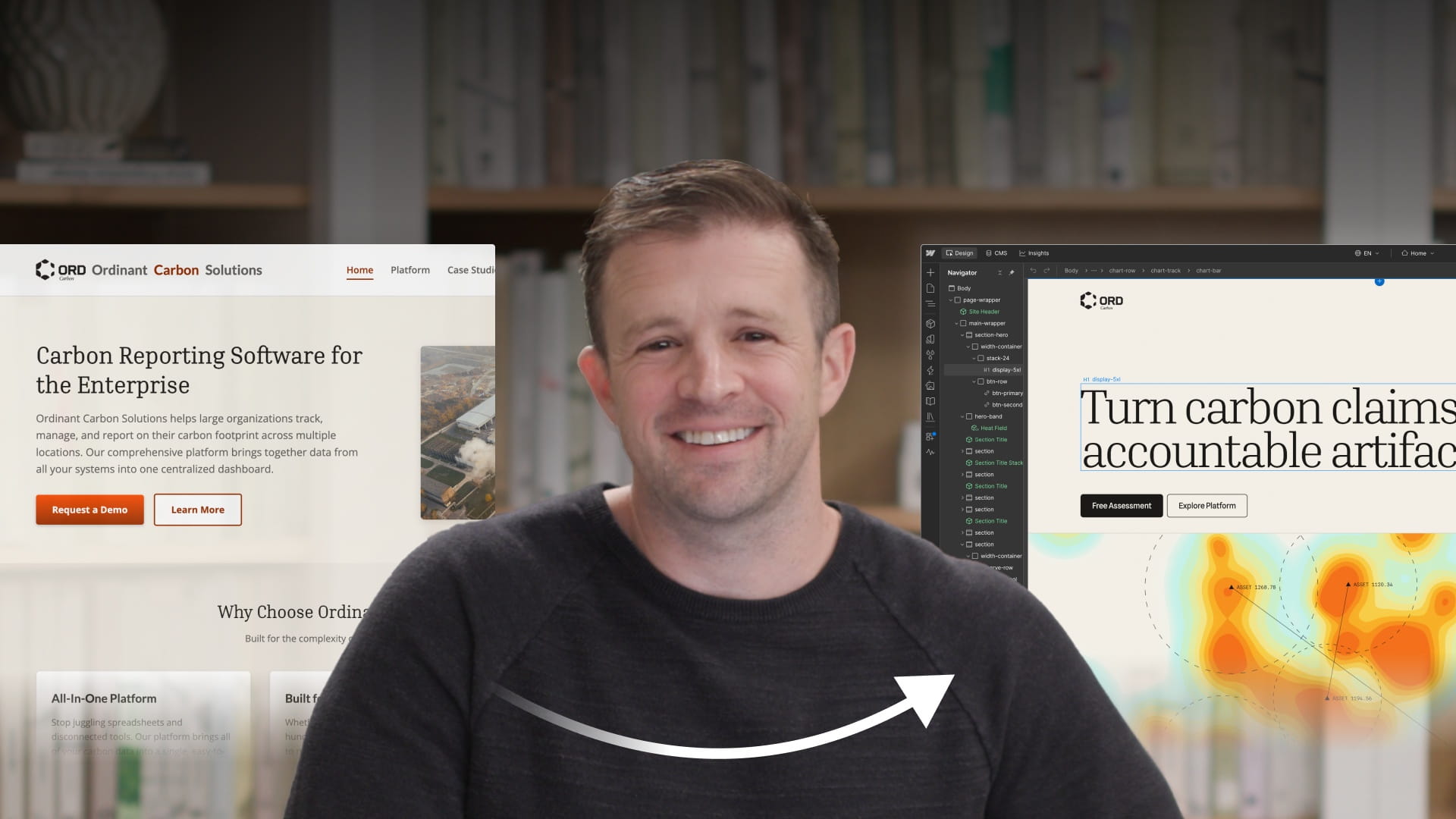
Let's build our website with MCP. In this case, we're going to add an FAQ section to our site here. And you can see we have a pretty nice design here. Thank you to Brandon Roth for this beautiful design. And we'll just come down to this section right here. And I want to add an FAQ section right here.
This will serve a few purposes, obviously, for visitors to our website. If they have questions, these are the kind of common questions that we anticipate they'll have. And we can update these over time. But it will also help us in terms of answer engine optimization. So AEO seems to really, really appreciate answers to questions. And so we're going to give them that.
Now, the first thing we need to do is get our AI agent connected to the Webflow MCP so they can communicate and we can do this build. If you've not already done that, make sure you check out our tutorial on intro to MCP, talks about how to get connected to a variety of different agents.
All right, we are connected using Claude. Again, here's our site, I want to come down and put the new FAQ section between these two sections right here, a little bit closer to the bottom, so just above the call to action section here.
And the first thing we'll do is coming over to Claude. It's really, really important to give your agent as much context as possible. They tend to do so much better when you give them context. And so I'm going to go ahead and give them this first prompt here.
And in this first prompt, we're going to, of course, describe that we're creating this FAQ section — you can go ahead and pause if you want to see all the details here. But I'm telling Claude that I need to use the existing design system. So to make sure that Claude will do that, I'm going to have it connect to my site and reiterate back to me what that design system is, go and check out all the variables, all the components, all of the styles that we have set up on our site already. And go ahead and articulate those to me so I can confirm that Claude is going to be using those as a basis for building out the FAQ section, so that everything's on brand and consistent.
In addition to that, I want to make sure that any new styles or any new variables or anything else that Claude creates here, that Claude does that, again, using best practices. And so I have the Webflow Way cited here as well. So I'm telling Claude, go look at the Webflow Way, and make sure you're using those practices as well. So let's go ahead and have Claude get started on that and see what they come back with here.
Looks like through the magic of post production, this is a little bit faster than you'll experience in real life. But Claude was able to get a good handle on the site. So it looked up all the variables, looked at the styles, looked at the components — we have everything we need there — and then also gives us a little bit of a plan for what Claude plans to do in terms of building out the FAQ. And we haven't even given them the prompt to do that yet.
So let's go ahead and jump in and give Claude the prompt on what I want Claude to actually build. So I've attached this file that has the actual copy for the FAQs that I want it to include. But then we give it this prompt here and tell it exactly how we want to lay it out. We want, on the left hand column, we want basically an overline and an H2 that says, hey, you've got questions, we've got answers. And then over on the right, I want five different FAQs. Tell it that we want to make that a component, the FAQ item, a component. And again, I make sure that Claude is going to use the Webflow Way, applying any sort of best practices for anything that it needs to create. And let's go ahead and go see what Claude does here for us.
Okay, Claude went out and created a bunch of new styles, nine new styles, created the section, put the FAQs on that section, also found a typo in my copy. Thank you, Claude, I appreciate that. That's very helpful.
I want to make sure that Claude — and this is something I didn't include in my original prompt — I don't want Claude to create JavaScript for this. I want this all to be done with CSS. I want the site to be as performant as possible. So I'm going to go ahead and prompt and say, hey, I want this site as performant as possible, so I would rather use CSS than JavaScript interactions. Please use CSS instead. And let's see what Claude comes back with here.
How very flattering — Claude says that's a smart call. Okay, Claude created that. That's cool. Let's go take a look at what it actually created for us. Well, that's a start. We have a few problems here that we need to solve. First of all, on the left hand column, it's not spacing that H2 the way I would have expected. I expected it to take up more of the space, and probably all that text should be able to fit on two lines. So we'll tell it about that. Obviously, there's something wrong with the little icon off on the right on each of the FAQ items that needs to be addressed. And the animation is kind of jarring, so let's see if we can get things to look a little bit smoother here.
So let's give Claude a prompt here. There are a few issues we need to address. First of all, there's an empty paragraph in the left column that needs to be removed so that the H2 will display properly and not be pushed up against the left edge. The icon indicating where the user can click to open the answer has some problems there, so we want a plus symbol there that kind of rotates as that's clicked. And then finally, let's add a playful but tasteful animation where the FAQ opens and closes — it should animate down or up on close and fade in gently, and perhaps the open animation should bounce a bit at the end. So let's see what Claude does with that.
Okay, so it fixed the issue on the left hand column, good there. But item two is still an issue where the circle still shows some text that we don't want there instead of a plus. So let's go ahead and have Claude fix that. And there we go, looking much better.
Okay, then finally for item number three, I can go on and do several iterations here and fine tune the animation, and this is just a matter of telling Claude how we want that to look. So finally, for item number three, that's a good start to the animation, but let's make it slower and make the fade in much more pronounced. Also, apply the animation in reverse when the FAQ is closed. And when Claude runs off and does that, we come back — okay, that's looking much, much better.
So now you probably have two questions. Number one, what could we have done differently in our prompts to get to the result a little bit more quickly? And number two, why are you using four microphones?
Let's go to question one. There are a few things to keep in mind, and one thing that we didn't cover yet. At the start, we talked about providing your AI agent as much context as possible, and we did several things to do that. There's another thing you can do as well in Webflow called agent instructions — make sure to go check that out on Webflow University, that's beyond the scope of this video here. But that allows you to give your agent a little bit more context, and the chances of getting to your results a little bit more quickly are higher.
Now let's talk about the three things that we've done. Number one, we've used one of our existing components, a section header used in some of our other sections on the site, but it wasn't really the appropriate component for this particular section. The only thing I can really think of there that we could have done differently is provided it with the hint: hey, this is a new section layout, so none of the existing components will work, so you'll need to build this one from scratch. It was a simple thing to fix with a single reprompt, so not that big of a deal, but something to keep in mind.
Number two, with the little plus symbol that you click on when you want to open up one of the FAQ sections — that one I'm a little less clear on. Sometimes you just have to be persistent with agents and help them reason things through. So that one was probably just being very persistent.
And then the third one was the animation. With the animation, we definitely could have given more context and been very explicit about what we wanted the animation to look like. Like we did in our final prompt, we could have just taken that exact same language and put that in our initial prompt. The prompt would have been longer, but it would have given the agent everything it needed to achieve that — including use HTML, CSS, do not use JavaScript, and then describe in pretty good detail what you want the animation to look like.
That's just one example amongst millions of things you can do with Webflow MCP and the agent of your choice. And that's using the Webflow MCP to build in Webflow.