Custom staging domain
Webflow Enterprise customers and Enterprise partners can add custom staging domains to their sites. This lets you have more granular control over your staging domain and provides consistency for staging across your team’s tech stack. Note that you can have one custom staging domain per site.
Video transcript
A custom staging domain in Webflow lets you publish your site to a dedicated staging URL that's separate from your production domain. Instead of using the default Webflow subdomain for staging, you can set up your own domain specifically for testing — something like staging.yourdomain.com.
This is especially useful for teams that need to share staging previews with clients or stakeholders using a URL that looks more professional than a webflow.io subdomain. It's also useful for testing redirects, domain-specific behavior, and anything that depends on the actual domain structure.
To set up a custom staging domain, you go to your site settings and add the domain you want to use for staging. You'll need to configure DNS settings for that domain, pointing it to Webflow, just as you would for a production custom domain.
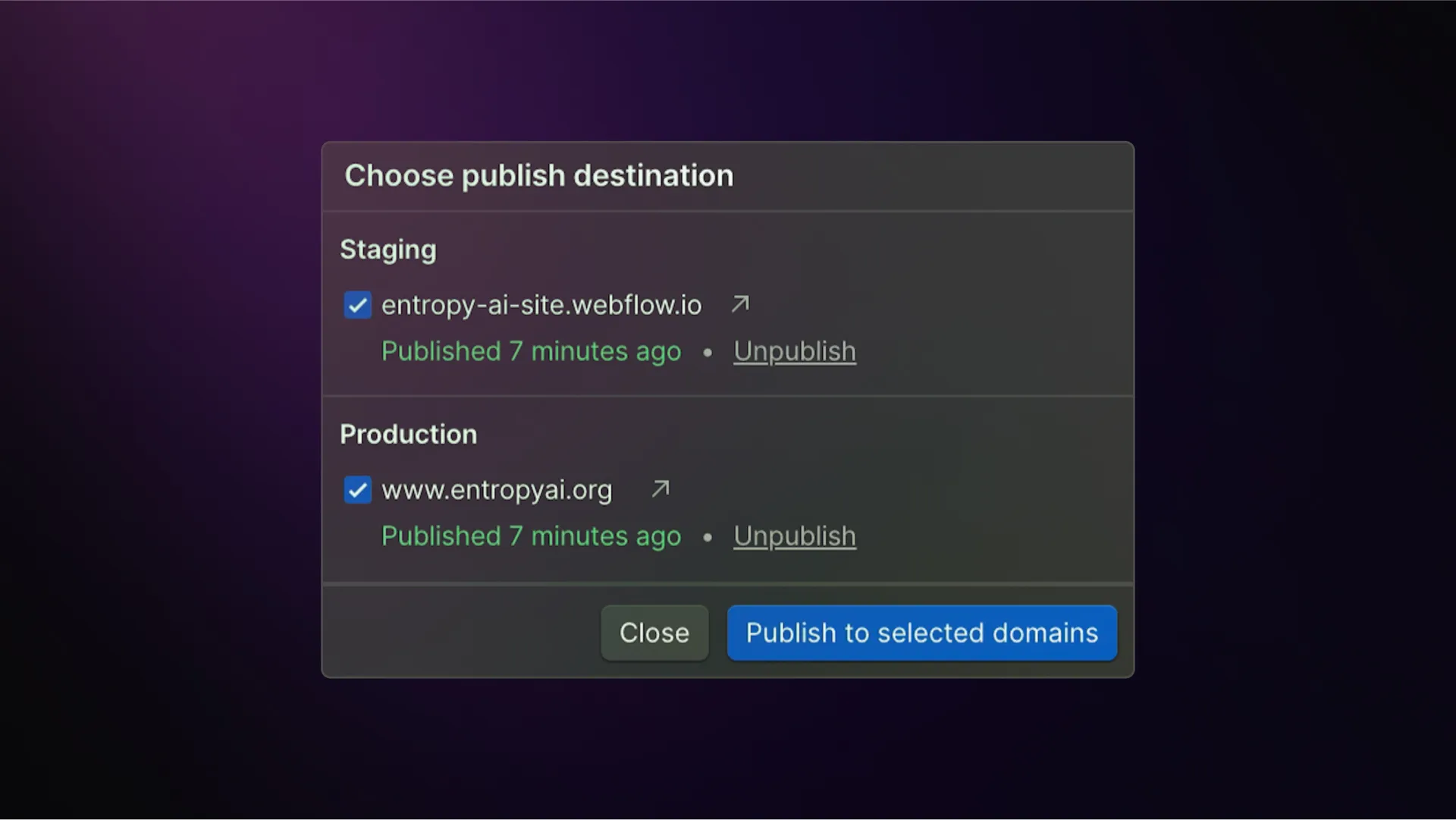
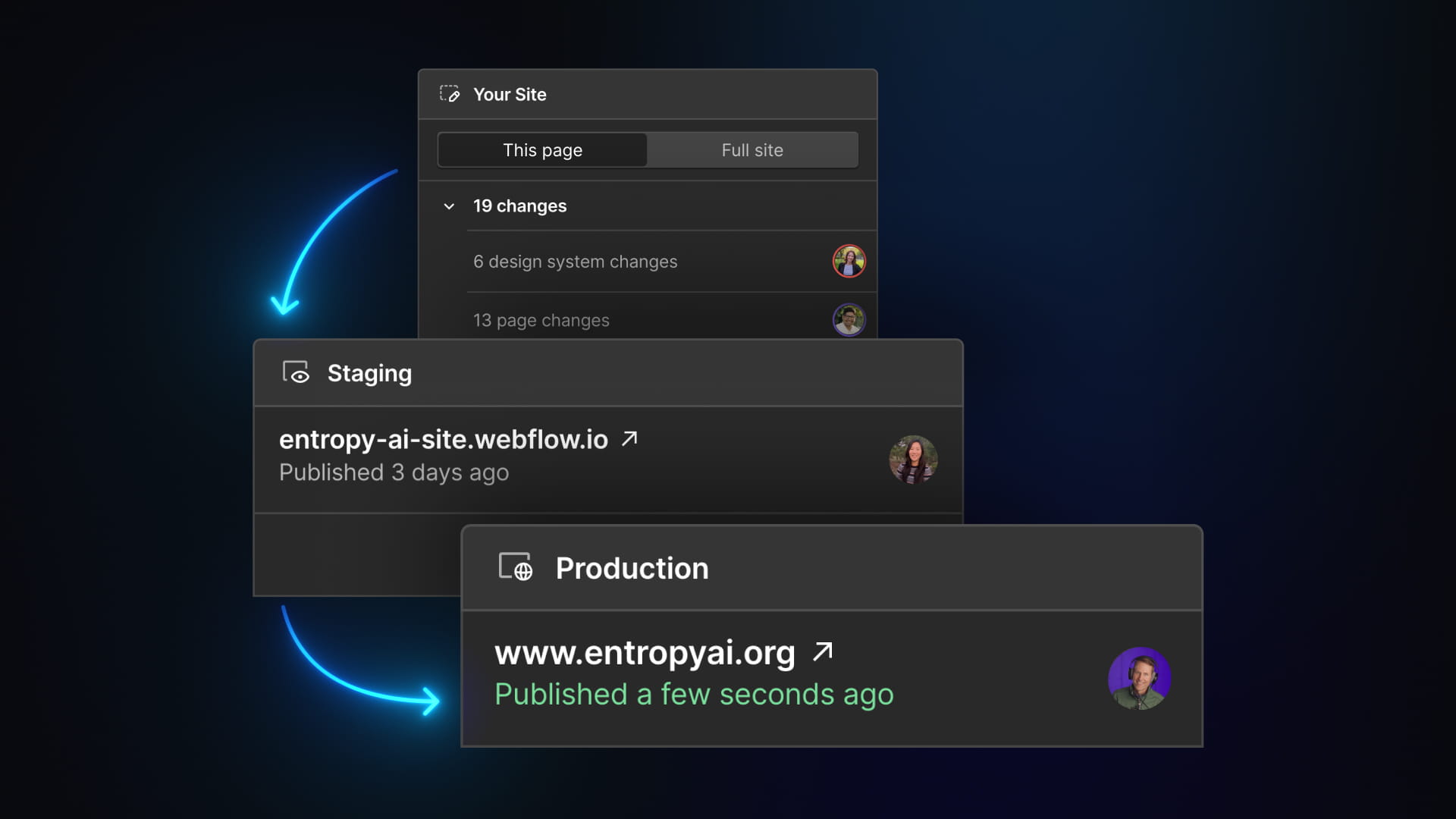
Once set up, you can publish to your staging domain independently from your production domain. Changes go to staging first, you review them, and when you're ready, you publish to production.
Custom staging domains are available on certain Webflow plans. Check the Webflow pricing page or Help Center for the most current information on which plans include this feature.