Understanding Webflow's APIs
Webflow is powerful on its own, but most real-world websites don’t operate alone. Whether you’re a visual developer collaborating with engineers or a developer building custom workflows, understanding how APIs work will help you make smarter extensibility decisions. In this lesson, we'll break down how Webflow APIs work, what happens during an API request and response, and when you should use a custom API integration versus Webflow Apps or automation tools like Zapier and Make.
Video transcript
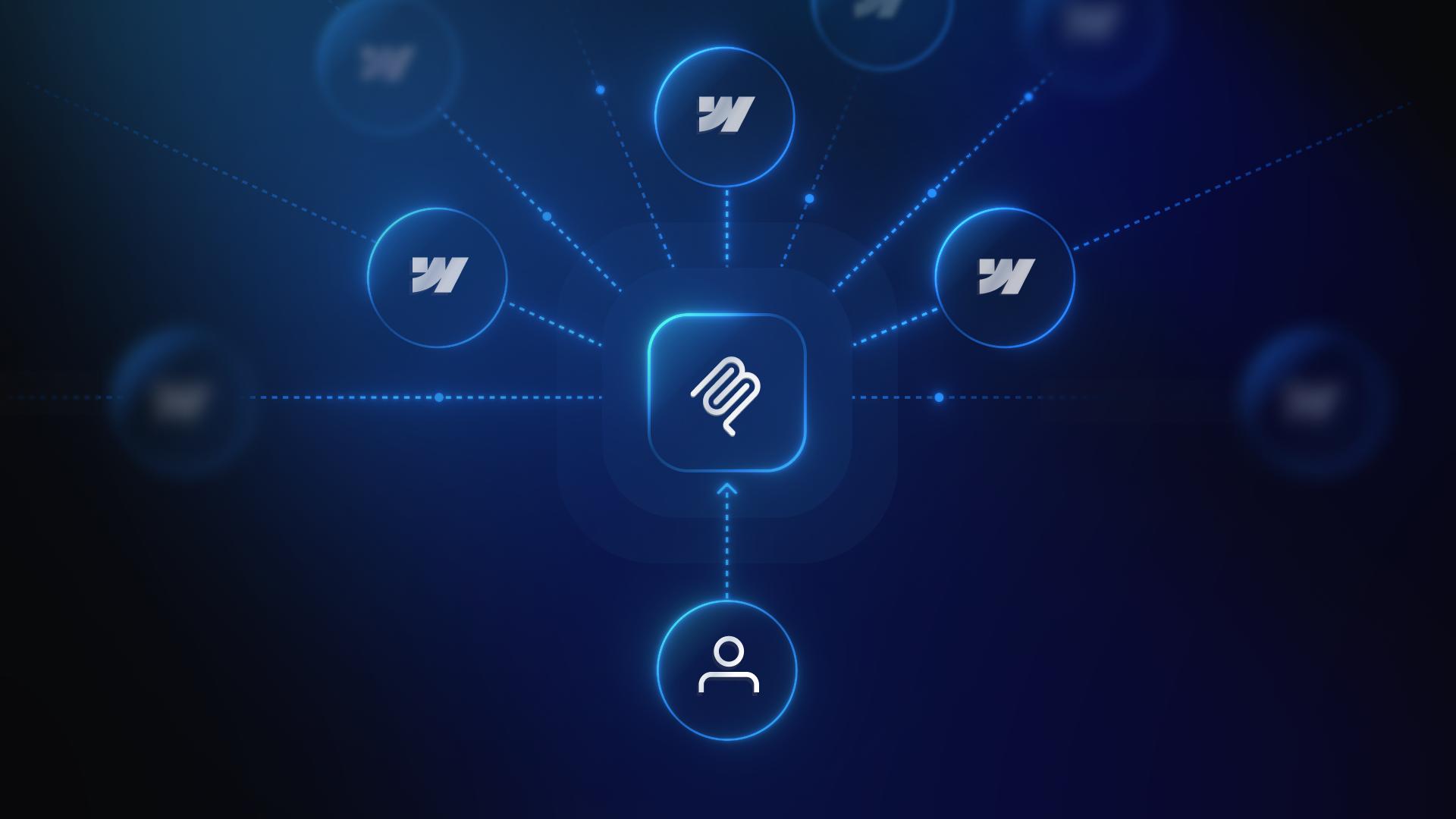
Webflow's APIs let you connect your Webflow site to other tools and systems — automating tasks, syncing data, and extending what Webflow can do out of the box. In this video, we'll give you a high-level overview of how Webflow's APIs work and what you can do with them.
At a basic level, an API is a way for two systems to talk to each other. You send a request, the other system processes it, and sends back a response — either the data you asked for, or an error if something went wrong. That back-and-forth is an API request and response.
Webflow has a REST API, which means you can make standard HTTP requests to read or write data. For example, you could use the Webflow API to list all items in a CMS Collection, create a new Collection item, update an existing item, or delete one. You can also manage sites, pages, and other resources through the API.
To use the Webflow API, you'll need an API token. You can generate one from your Webflow account under Account Settings. That token authenticates your requests so Webflow knows who's making them and what they're allowed to do.
Beyond the REST API, Webflow also supports webhooks. Webhooks let Webflow send data to another system automatically when something happens — like when a form is submitted, a CMS item is published, or a site is deployed. Instead of polling the API repeatedly, webhooks push data to you in real time.
And if you're building something more complex, Webflow has a Developer Platform where you can create and publish apps that integrate directly with the Webflow UI. These apps can surface inside the Designer or Editor and interact with Webflow data in real time.
APIs are a powerful way to extend Webflow beyond what's possible with the built-in tools. Whether you're syncing product data from an external source, automating CMS updates, or building a custom integration, the Webflow API gives you the access you need.