Reviewer role
A quick guide to using the Reviewer role to review site changes, leave feedback with comments, and approve design requests in Webflow.
Role overview
As someone assigned the Reviewer role in Webflow, you may be responsible for reviewing content or design updates before they’re published. Depending on your team and focus, this might include checking copy for accuracy, approving requested design changes, or ensuring changes meet internal standards or compliance requirements.
The Reviewer role in Webflow is designed to help you review and approve work without making direct changes to site content or design. It gives you access to view pages, leave feedback, and collaborate with teammates in context so reviews are clear, actionable, and easy to resolve.
This guide walks through what you can do in Webflow as a Reviewer, where guardrails apply, and how to review changes confidently before they go live.
Permissions & guardrails
What you can do
You can review work directly in Webflow, so feedback stays tied to the content being reviewed.
- View the site in a safe, comment-only mode
- Add, reply to, and resolve comments
- Approve design requests (for Enterprise plans)
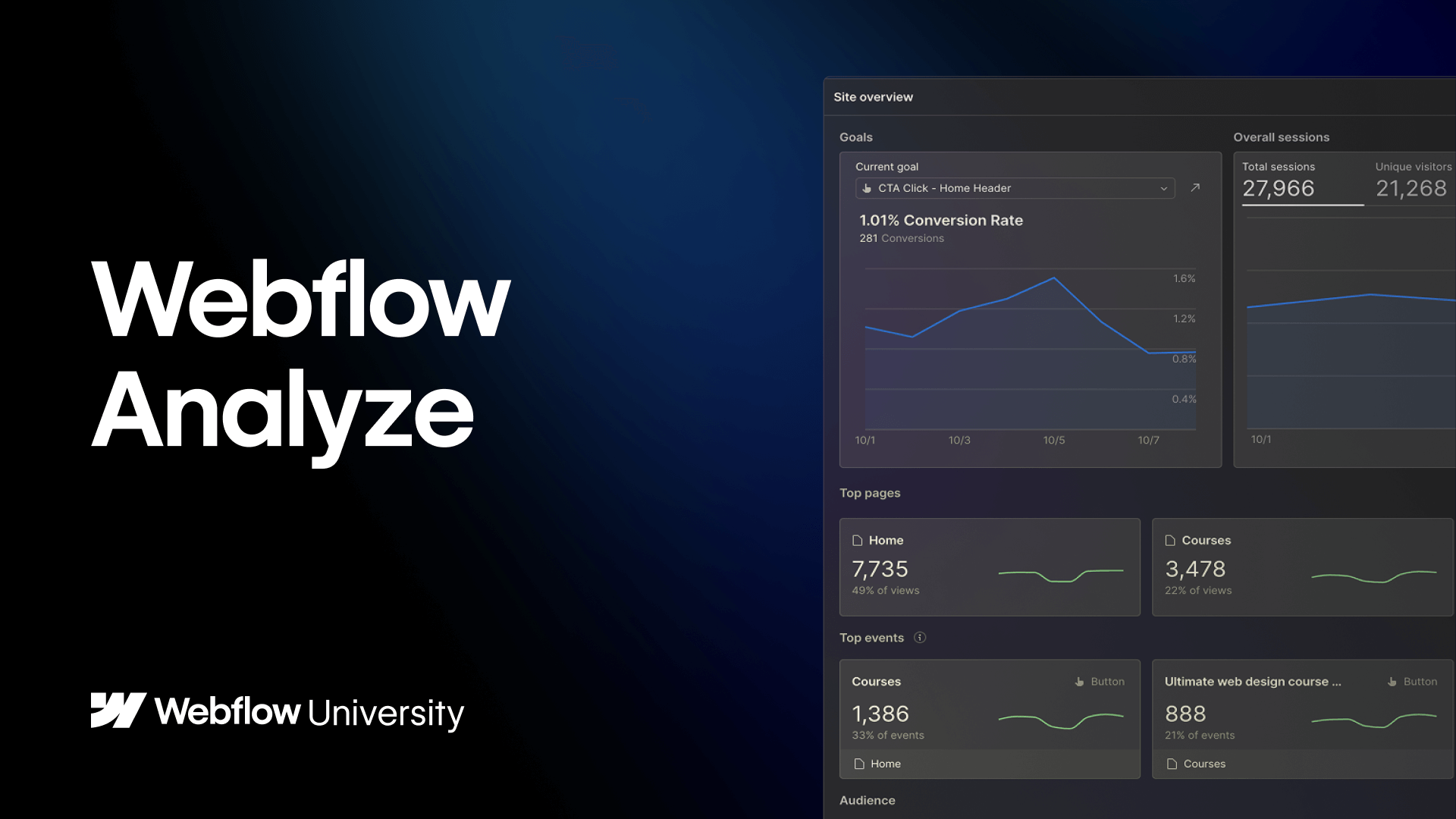
- Access site analytics report data via Webflow Analyze
- Access results of Webflow Optimize experiences
What you cannot do
These guardrails are intentional. They ensure reviews don’t unintentionally change content, design, or site structure.
- Edit site content, including text, images, and links
- Build pages using page templates or components
- Make changes to the site's styles or structure
- Edit the site's design system
- Create or modify components, classes, or variables
- Create new or modify existing CMS Collections
- Edit custom code or site-wide settings
What you'll do most
The Reviewer role is designed to support collaboration, feedback, and approval workflows across teams. These are the tasks you’ll return to most often.
Add, respond to, and resolve comments
Commenting is the primary way Reviewers collaborate with teammates in Webflow. You can add comments to pages or content to flag issues, ask questions, or request changes during the review process.
You’ll typically use comments to provide clear, actionable feedback and respond to follow-up questions from Marketers, Content editors, or Designers. Because comments live directly on the page or element being reviewed, feedback stays tied to the work itself and is easy to understand in context.
Once feedback has been addressed, you can resolve comments to signal that the conversation is complete. This helps teams track review progress, avoid duplicate feedback, and move confidently toward approval or publishing.
Approve design requests (for Enterprise plans)
For customers on Enterprise plans, users with the Reviewer role can approve design requests through the Page branching & Design approvals workflow. This allows Reviewers to review proposed design changes made in page branches and ensure they meet quality, brand, or compliance standards before being merged into the main site.
You’ll review design requests directly in Webflow, where you can compare branch changes against the live site, leave comments, or request revisions if needed. Reviewers can either approve a request or ask for changes, helping teams catch issues early and keep high-stakes updates controlled and intentional.
Once all required reviewers have approved a design request, the branch can be merged safely. Design approvals help reduce the risk of unreviewed changes going live, while still allowing Designers to work independently in branches and move quickly with confidence.
Review site analytics in Webflow Analyze
Reviewing site analytics as a Reviewer focuses on understanding how pages and content are performing, without changing tracking or site configuration. This might include reviewing traffic, engagement, or conversion data to support feedback on content, design, or campaign outcomes.
You can review analytics using Webflow Analyze (or other connected tools if applicable), looking at performance for specific pages, CMS items, or time periods. These insights help Reviewers evaluate whether changes are meeting goals, identify potential issues, or provide informed feedback to Marketers, Content editors, or Designers.
If analytics data suggests changes are needed — such as updating content, adjusting layouts, or running tests — you can use comments to share observations and recommendations. Any changes to tracking setup, goals, or reporting should be handled by a Marketer or Designer before further review.
Explore results of Webflow Optimize experiences
Exploring optimization results as a Reviewer focuses on evaluating how different content variations perform over time. This may include reviewing experiment outcomes, comparing variations, and understanding which messages or layouts are resonating with users.
With Webflow Optimize, you can review results — looking at performance summaries, trends, or outcomes shared by teammates. This helps Reviewers assess whether tests are producing meaningful results and whether winning variations align with brand, compliance, or quality standards.
Reviewers don’t create or configure experiments, audiences, or goals. If results suggest changes or further testing is needed, you can leave comments or feedback for Marketers or Designers to act on before the next iteration.
Working with your team
Here’s how the Reviewer role collaborates with other roles across key stages of building, reviewing, and publishing.
Reviewers work with Designers to review layout, visual presentation, and overall design quality before changes go live. In Webflow, this often involves reviewing pages or page branches and leaving comments directly on design elements.
Designers are responsible for making design changes and maintaining the design system. Reviewers provide feedback and approve design requests but don’t make design edits themselves.
By reviewing designs in context and leaving clear, actionable comments, Reviewers help Designers address feedback efficiently and move work toward approval.
.png)
Reviewers often work with Marketers to review campaign pages, landing pages, and CMS content before launch. This typically includes reviewing copy, links, and overall readiness for publishing.
In Webflow, this review usually happens directly on pages or CMS items using comments. Keeping feedback in Webflow helps ensure Marketers know exactly what needs to change and where.
Once feedback is addressed and approvals are complete, Marketers can publish with confidence knowing changes have been reviewed.
Reviewers collaborate with Content editors to ensure content is accurate, consistent, and compliant before it goes live. This might include reviewing copy, structured CMS fields, or required disclosures.
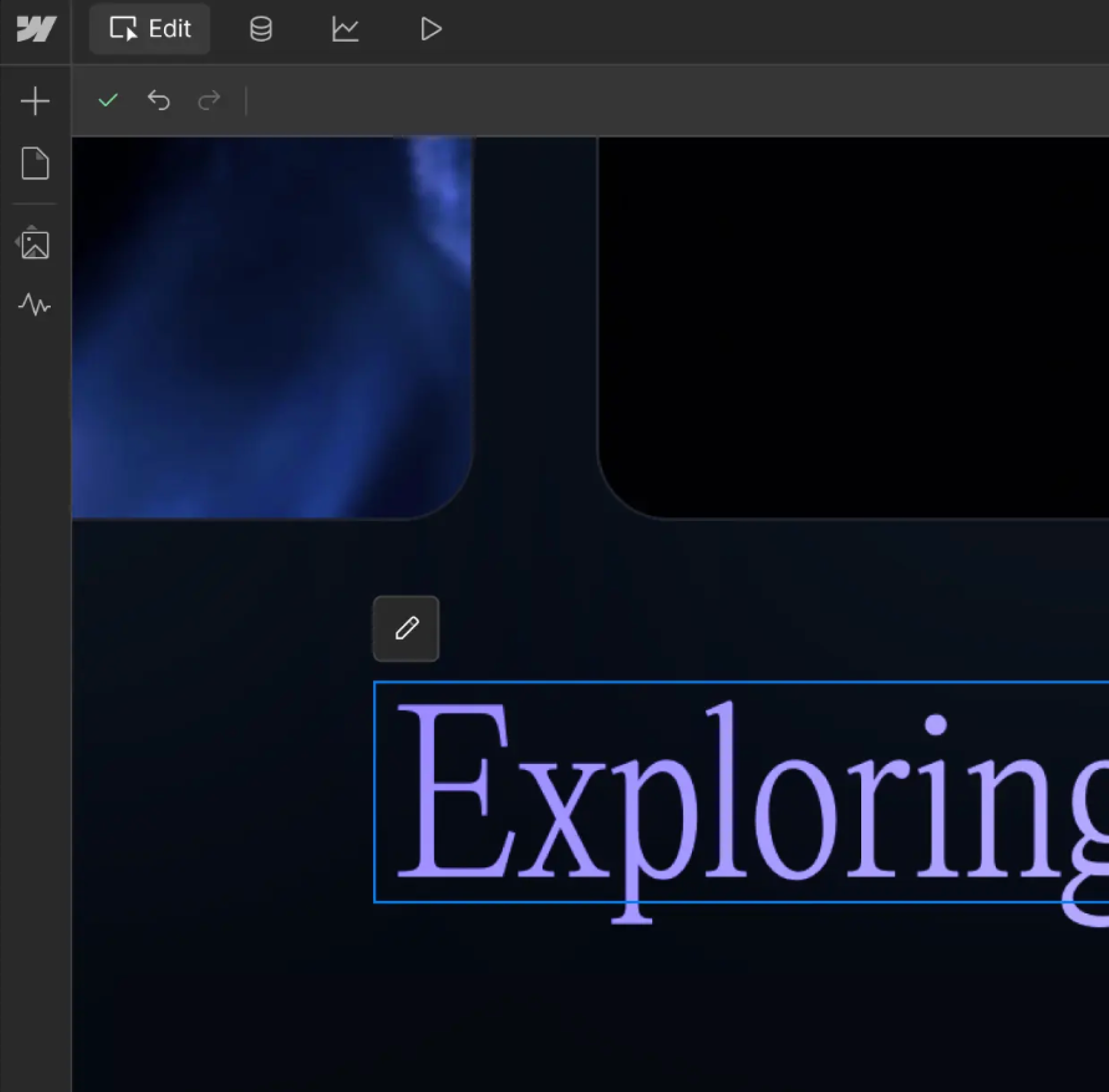
Content editors address feedback directly in the canvas or CMS, responding to comments and making updates as needed. Reviewers can then re-check changes and resolve comments once requirements are met.
This workflow helps keep reviews efficient and ensures content is approved without unnecessary back-and-forth.
Start learning
Learn how to use Webflow as a Reviewer with these curated learning experiences on Webflow University.